Best After Effects Automation Tools
After Effects automation uses scripts, plug-ins, and external tools to perform repetitive tasks automatically. The system replaces manual work, including editing, duplicating compositions, and rendering. Automation includes three parts, which involve connecting AE projects to external data JSON, Excel spreadsheets, and APIs, creating template-based systems for video version generation, and turning AE projects into scalable production workflows.
After Effects automation is important because it saves time by eliminating routine and repetitive tasks. It reduces the possibility of human error in complex projects. It also speeds up rendering and export organization. It allows video production to scale with a large number of versions and variations.
Automation tools are used for automatic batch rendering, render queue management, and template customization (dynamic text, colors, images, data). They can update the composition and layers in bulk. Furthermore, they generate multiple formats and resolutions from a single project, as well as automate repetitive changes to multiple files.
Our Review Criteria
- Automation depth: We assess how wide a part of the production process the tool covers - from simple batch renders to full automation of template and composition changes. The greater the level of control over projects, layers, and data, the deeper the automation.
- Scale and rendering performance: We analyze the tool's ability to handle a large number of projects or versions without losing stability and speed. It is important that the system effectively manages the render queue, parallel processes, and resource allocation.
- Integrations and workflow: We check whether the tool supports API access, scripting, and integration with other systems (CRM, DAM, marketing platforms). Flexible integrations are key to fitting into existing production pipelines.
- Interactivity and template flexibility: We evaluate the level of support for dynamic data, variable values, and content personalization. The more flexible and customizable the template is, the more applicable the tool is in mass production.
- Security and compliance: We consider how the tool manages data, especially for personalized video content. It matters whether it offers a self-hosted option or a cloud solution with clear security standards.
- Support and onboarding: We evaluate the quality of documentation, availability of technical support, and community activity. A tool that is easy to set up and quickly adopted has a significant advantage in a professional environment.
Top After Effects Automation Tools
Nexrender
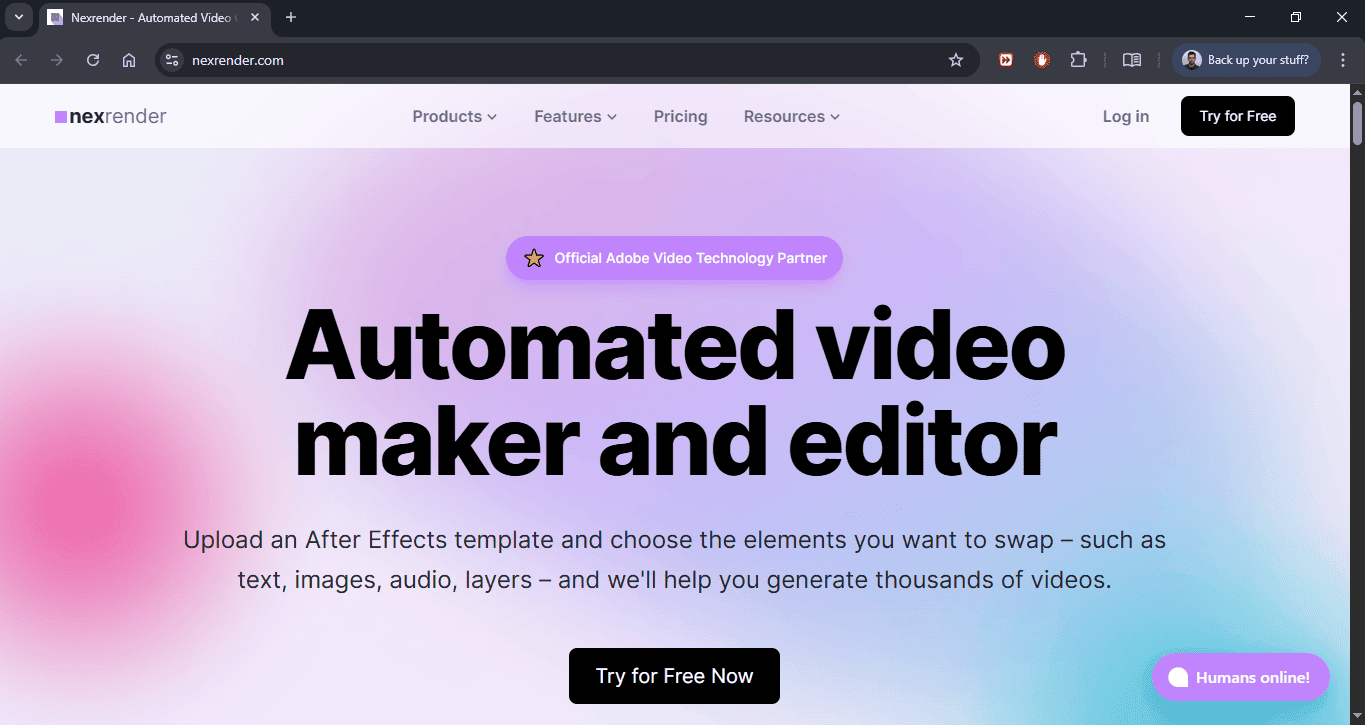
Nexrender combines both an open-source tool and a fully developed SaaS solution that enables users to render After Effects projects at scale. The system processes job files, typically delivered in JSON format, to determine which elements of the composition should be replaced, updated, and adjusted before the rendering process begins. This can be easily set up via the Nexrender Dashboard.
The system enables users to replace text, images, videos, and other assets without opening the project. The system can run locally or in the cloud, making it suitable for scalable workflows. It is often used as a basis for building your own video automation platforms.
Pricing
There is an open-source version that is completely free to use. There is also a fully managed cloud version with additional features, infrastructure, and support included, available through a variety of plans starting at $119 per month.
Best for
The system provides customers with an ideal solution for creating a complete rendering automation system, using After Effects projects as its foundation. Nexrender works best for teams that conduct video marketing campaigns that require customized content and multiple variations based on their data. The tool scales with your needs and is suitable for both variable and constant workloads.
Website: https://www.nexrender.com/
Remotion
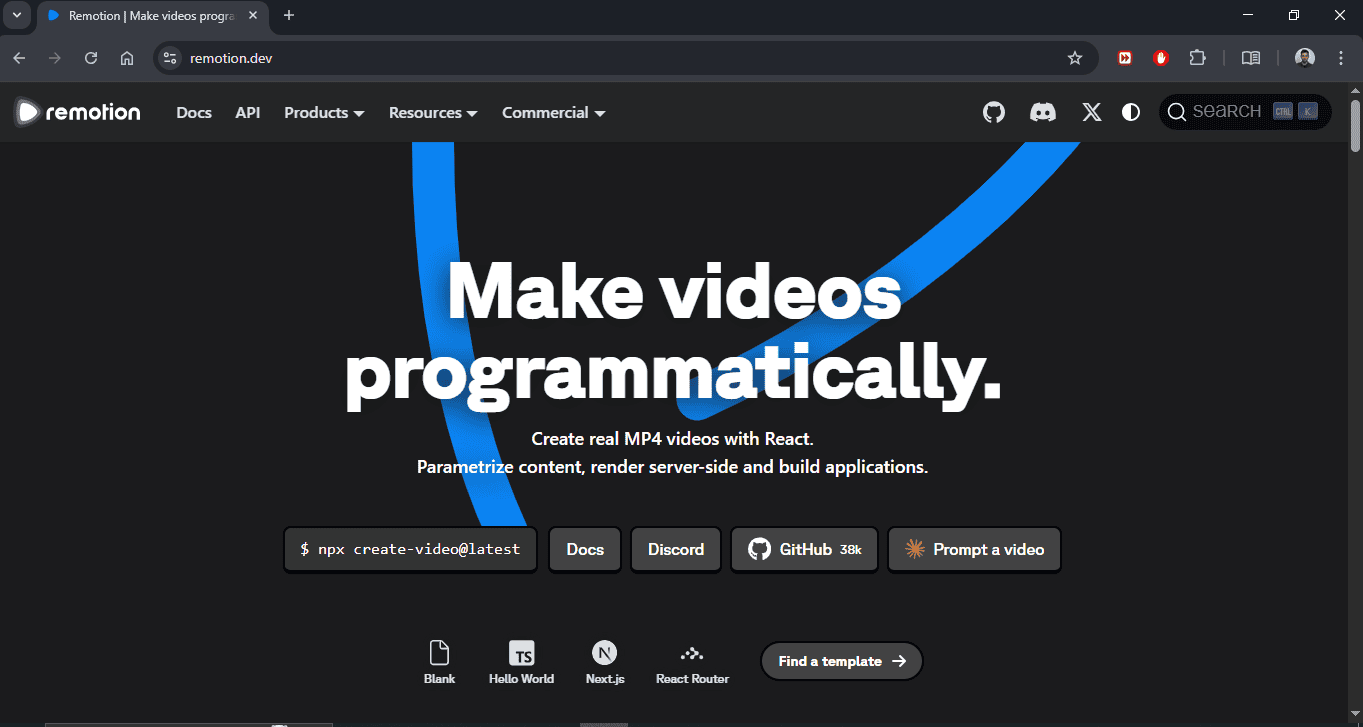
is a React-based framework that enables users to create and render videos in JavaScript or TypeScript. Video compositions in this system use React components as building blocks rather than traditional timeline-based environments. The system supports both local and cloud-based rendering, including serverless infrastructure as an option. It offers complete programmatic control over all animation, transition effects, and dynamic data elements. It is especially suitable for applications where video is part of the software product, not just the design process.
Pricing
Free for individual and small commercial use. Commercial licenses are required for larger companies and enterprise deployments.
Best for
Software teams that want to generate video content through code. Suitable for Saas platforms and automated video servers.
Bodymovin / Lottie + Automation Scripts
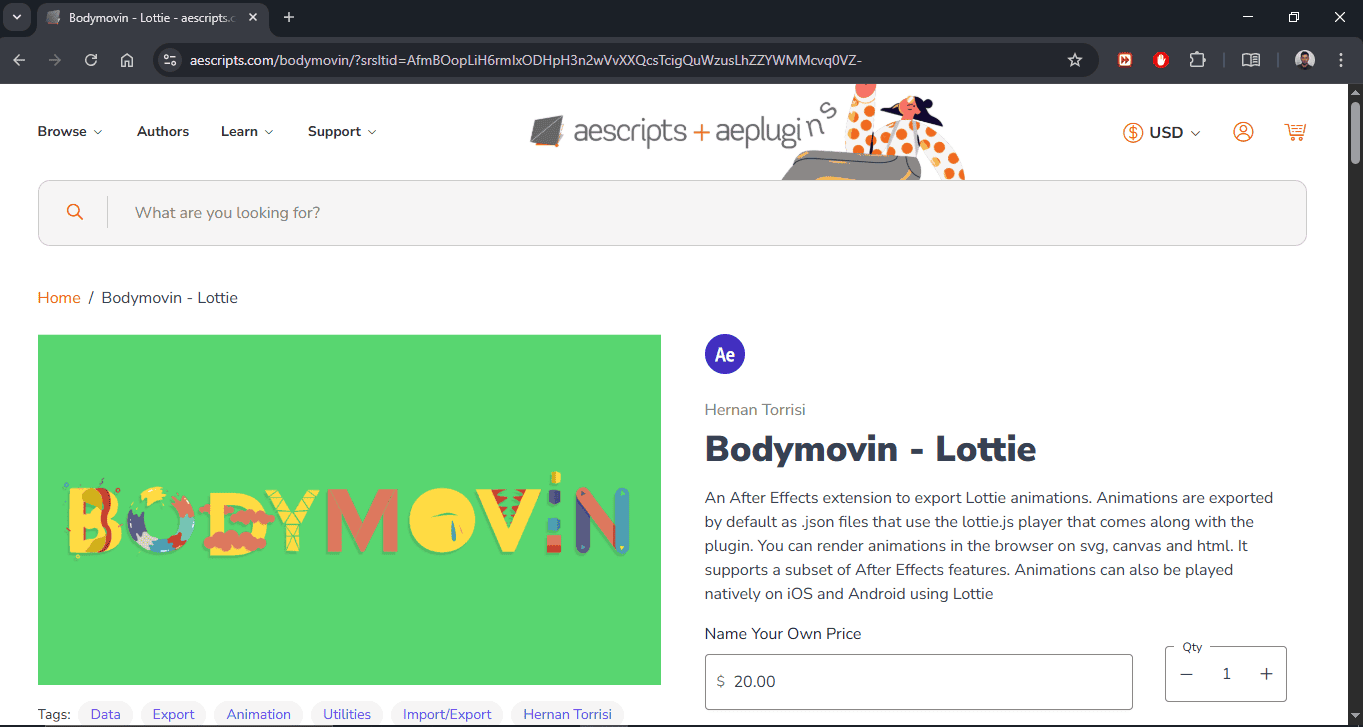
functions as an After Effects extension, enabling users to export animations as Lottie JSON, specifically designed for web and mobile. Lottie files enable playback of vector animations without requiring video files, resulting in smaller file sizes and faster loading times. In combination with automation scripts, it is possible to batch-export multiple animations or dynamically modify elements before exporting. This approach is especially useful for UI animations and microinteractions. It does not cover classic video rendering but focuses on interactive animations.
Pricing
This platform is free and open-source. Additional scripts can be free or commercial.
Best for
Ideal for teams developing web and mobile applications, and who need lightweight, performant animations. It is especially useful for UI/UX designers who want interactive microanimations without using video files, and also suitable for projects where optimizing loading speed and file size is a priority.
Remotion + Node.js Pipelines
This combination uses the Remotion framework with Node.js backend systems to automate video production. Node.js is used for content orchestration, data management, API calls, and control of the rendering process. The system can be integrated with databases, CRMs, and marketing tools. It is possible to automate thousands of video versions through serverless and distributed rendering systems. This approach allows for enterprise-level scalability and high flexibility.
Pricing
Remotion requires a commercial license for professional use. Infrastructure costs depend on the selected cloud and server system.
Best for
Large platforms and SaaS products with dynamic video generation. suitable for teams that need complete backend integration and automation.
Adobe ExtendScript Toolkit / After Effects Scripting
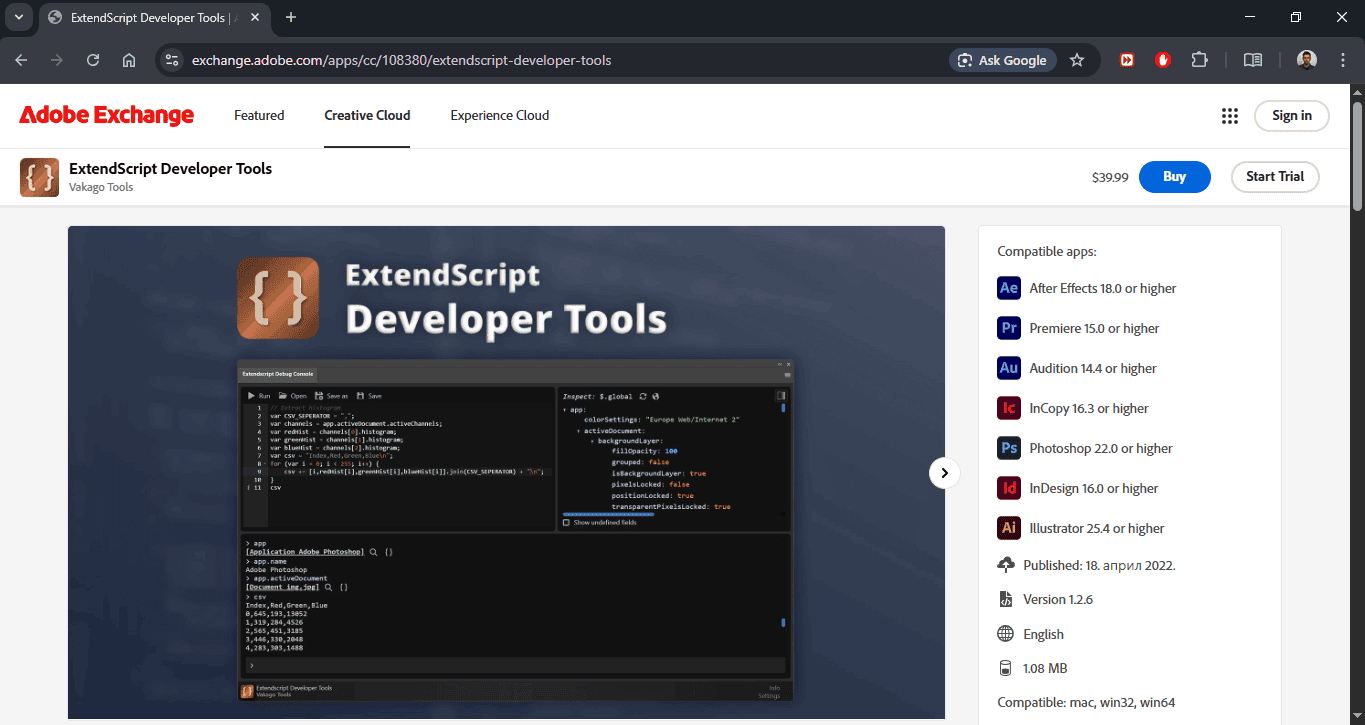
After Effects uses ExtendScript as its JavaScript implementation to enable JSS scripts for automated tasks in the software. Users can create and modify both compositions and their components while managing their entire rendering process. Scripts can automate complex sequences of tasks and customize workflows to specific studio needs. It runs directly within the AE environment without the need for external servers. It is the basis for many custom internal tools and plugins.
Pricing
Since it is included in the Adobe After Effects Creative Cloud package, its use is subject to obtaining a license.
Best for
The software enables motion designers and technical artists to create automated workflows, which enhance their efficiency in After Effects. The solution provides particular value to studios and small production teams by enabling them to establish uniform procedures for creating visual content and processing renders. It allows teams to create their own internal tools and scripts for specific project needs.
FFmpeg + AE Render Export Automation
This approach combines the AE command line (aerender) for automated rendering with the FFmpeg post-production and file conversion tool. After rendering from After Effects, ffmpeg is used for compression, transcoding, and format adaptation. It allows precise control over bitrate, codecs, and file optimization. This tool is suitable for automated pipelines where it is important to generate different distribution versions. It is often used in production systems that require mass export.
Pricing
FFmpeg is free and open-source, but requires an After Effects license for rendering.
Best for
Studios that need advanced control over video export. It is suitable for automated distribution systems and multi-format production.
Polotno SDK (self-hosted rendering mode)
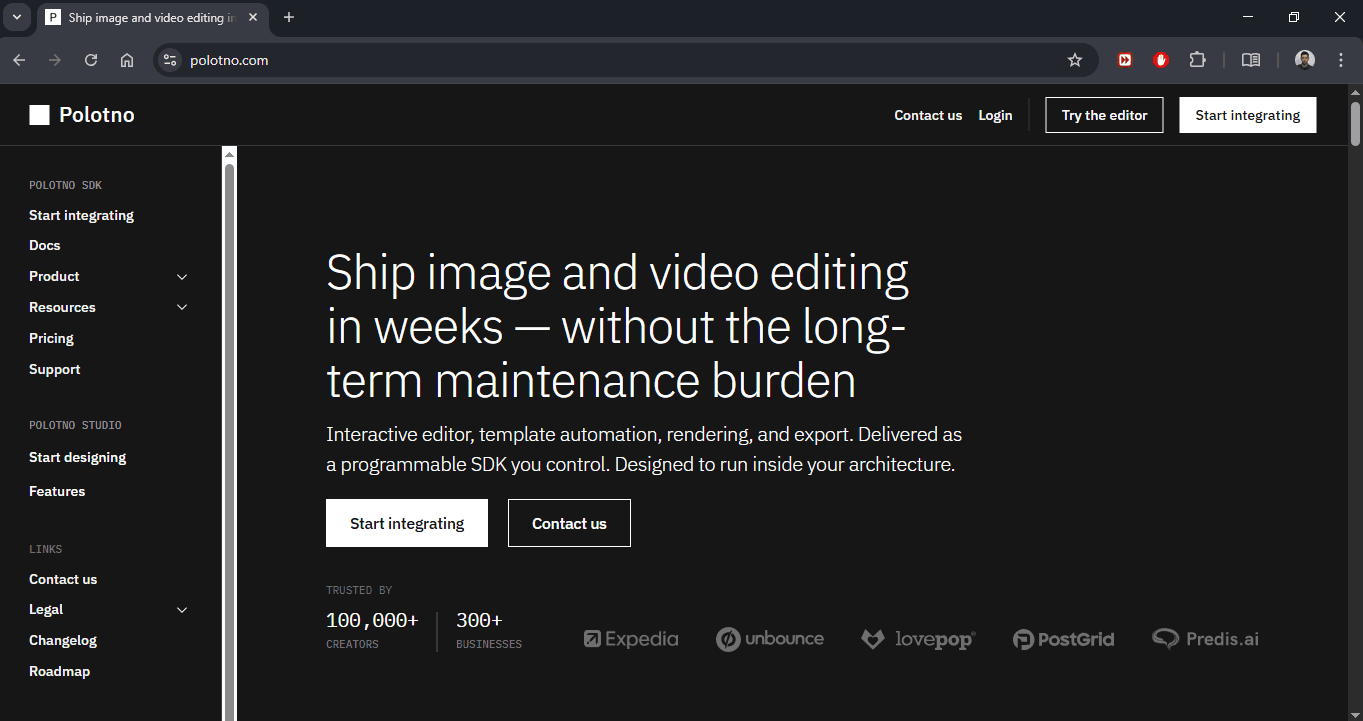
Polotno SDK is a development tool for building web-based editors for designing and generating visual content. In self-hosted mode, it allows rendering content on your own infrastructure, without relying on external cloud servers. Although it is not based on After Effects, it can replace AE in systems where a browser-based editor and automated production are needed. It allows working with templates and dynamic data, and generating visuals through APIs.
Pricing
Commercial license with a price that depends on the scope of use. A self-hosted option requires an appropriate plan.
Best for
Companies that want their own online design and rendering system. Ideal for SaaS platforms with a large number of end users.
Professional tip:
Try Nexrender for automating After Effects projects without wasting time on repetitive tasks. Get started today and improve your team's workflow with scalable and fully controlled rendering.
Summary
The use of After Effects automation enables organizations to save time and create standardized workflows, which allows them to expand production capacity while maintaining their creative freedom. We listed the platforms that help users to perform batch rendering operations while they customize templates, making the system both efficient and reliable. Using these solutions, teams can focus on design while repetitive tasks are automated.