10 Best Video Editing APIs
Video is now the dominant content format on all major platforms, but manual editing can’t keep up with this demand. That’s why automating video content is no longer an option but a competitive necessity. APIs allow developers to integrate video editing directly into their products and workflows, without manual intervention. This transition is similar to what happened with image processing – functionalities that once required additional software are now available as a service.
The applications of these solutions are wide-ranging, from UGC platforms that need to process, trim, or watermark thousands of user videos to marketing teams that automate personalized video ads on a large scale; From AI video tools that generate and edit footage programmatically to social media scheduling tools that reformat and resize content for different platforms.
How Video Editing APIs Work
In practice, most video editing APIs run on a similar principle. The developers command the API exactly how they want the video to look, which effects to use, and all other parameters. Then, behind the scenes, the API processes everything as instructed. After that, it sends back the finished video, ready to watch. The entire process takes place in the cloud, without any manual work. The core of the entire process is the instructions that the developer writes, most often in JSON format. The JSON file spells out the edits: where each clip starts, which text overlays the image, and what music plays. Keep in mind that templates make things easier. You can reuse the same video setup over and over, just swap out the content, which is perfect for creating lots of personalized videos fast.
Then comes rendering, which is one of the most computationally demanding processes, and this is where cloud infrastructure comes into play. APIs take all the burden of rendering on their servers. Developers don't have to worry about the infrastructure; they send a request and wait for the URL with the finished video.
One of the biggest advantages of video editing APIs is that they can be embedded directly into existing products - a mobile application, a web platform, or a backend system. This means that users can get a finished video within the product itself, without having to switch to a separate video editing tool.
10 Best Video Editing APIs
In the following lines, we recommend the 10 best video editing APIs, and you can consider which one best suits your needs.
Nexrender
Nexrender is an automation tool built specifically for Adobe After Effects, turning existing AE templates into a video generation engine through an API. The API can dynamically swap text, images, videos, audio, and solid colors inside a template, and it can create thousands of videos within minutes. Render settings are fully configurable, including codec, frame range, output format, preview mode, quality, and upload destination. It also supports adding voiceovers, trimming and merging clips, and producing the same video in multiple aspect ratios from a single template. Because it runs on real After Effects projects rather than a generic timeline format, you can automate large volumes of video while keeping the exact look their designers built in AE.
It is best used by teams that already build in After Effects and want to expand personalized or data-driven video production without rebuilding that creative work in a different tool. Unlike most APIs on this list, Nexrender works exclusively with After Effects projects, so it isn't the right fit for teams using other video editing tools.
Shotstack
This is a cloud-based video editing API built for developers who need to automate large-scale video creation. You get a JSON-based timeline editor, which makes organizing everything pretty straightforward. The API can render thousands of videos at once and comes with customizable templates to personalize content. It handles images, video clips, audio, animations, transitions, and text, so you can mix and match whatever you need. Plus, there are AI-powered tools like text-to-speech, text-to-image, and automatic captioning to speed things up even more. It is best used for automated marketing videos, personalized videos at scale, and social media content. It is aimed primarily at developers and startups building products that require large-scale video production, but is not ideal for users working in After Effects.
api.video
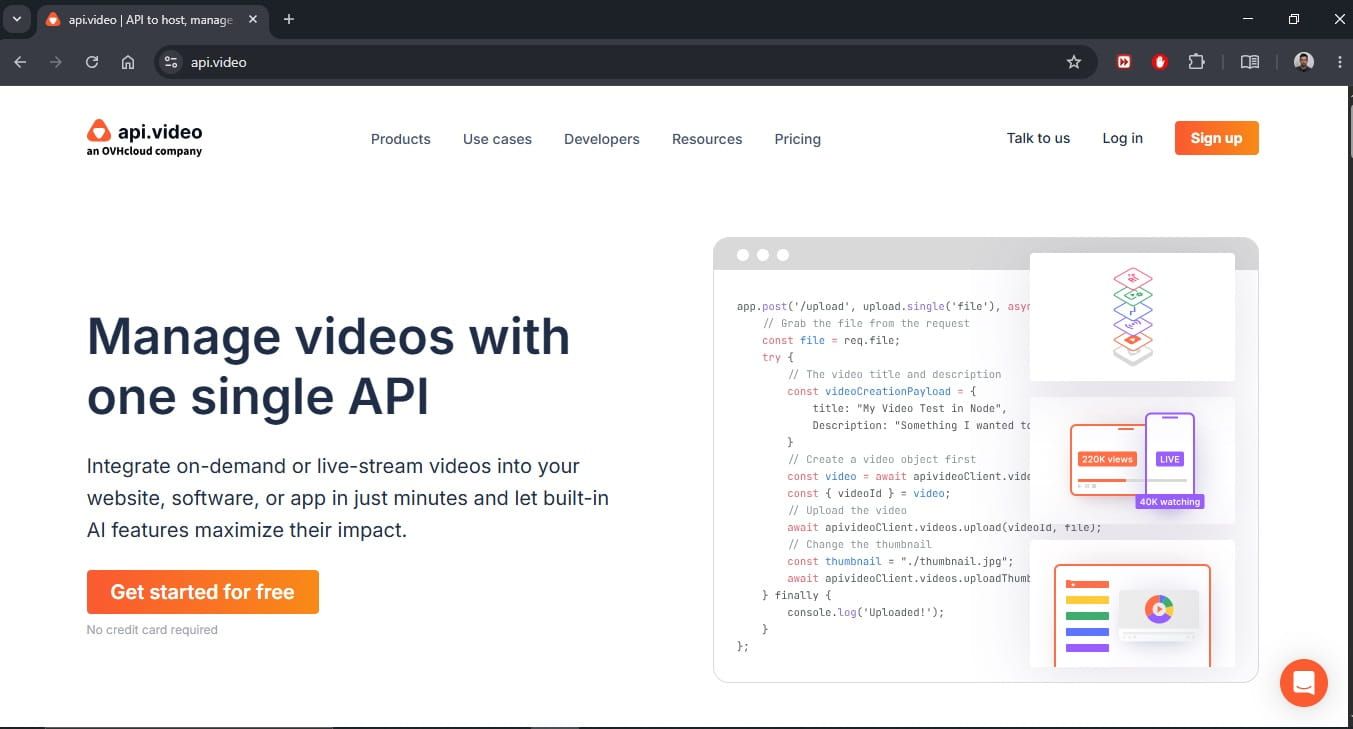
This is a developer-first platform for video hosting, streaming, and delivery with easy integration. You can do on-demand video uploads, plus the whole hosting side. There’s low-latency live streaming, and you also get a player you can slap your own brand on. It automatically transcodes the videos into multiple formats and resolutions. Then it takes care of AI transcription plus summarization, and lastly, you get analytics too. It works well for online learning platforms, short videos, e-commerce, and applications like Loom, where you need to record and share your screen. Developers and smaller teams pick it up because it’s easy to integrate - no messy setup involved. Plus, you pay only for what you use, which is a big win.
Mux
Here is an API-first video platform focused on streaming and delivery, built by video experts for development teams. The most notable features include VOD and live streaming; AI-powered per-title encoding that automatically optimizes quality for each video; low-latency live (LL-HLS); real-time analytics (startup time, rebuffer rate); signed URLs for content protection; and multi-channel delivery. It is ideal for fitness and e-learning platforms, UGC applications, live events, and enterprise SaaS with video features. It is most commonly used by development teams that want a clean, developer-friendly API without needing to become video experts.
Cloudinary
This is a media management platform, mostly for images and video, with a strong Application Programming Interface for transformation, delivery, and optimization. It comes with video upload storage and CDN delivery, plus on-the-fly changes like format conversion and resizing. There’s also adaptive bitrate streaming via HLS and DASH, as well as auto-generated subtitles. You get analytics too, along with integrations for common CMS platforms and e-commerce systems. It is great for e-commerce platforms with product video displays, applications with large media libraries, and UGC platforms. Useful for teams that manage both images and video in one place, and great for product teams that don't want to share infrastructure between two tools.
AWS Elemental MediaConvert
This file-based video processing lives in the AWS ecosystem, and it’s built to handle broadcast-grade transcoding and VOD distribution. Key features include support for a wide range of input/output formats: AVC, HEVC, AV1, Apple ProRes, MPEG-2. Plus, it can do 4K up to 8K too. For HDR support, it even reaches Dolby Vision. Also, there’s adaptive bitrate packetization using HLS, DASH, CMAF, and smooth streaming, and also graphic overlays. On the media side, it manages multilingual audio plus closed captioning, and it goes further with automatic infrastructure management. It is great for VOD libraries, OT platforms, broadcast distribution, educational content, and marketing video variants. It is used by companies already in the AWS ecosystem that need an enterprise-grade solution with full control and broadcast capabilities.
Google Cloud Video Intelligence API
An API that uses machine learning to analyze and annotate video content - not a video editor API, but a tool for understanding video. Key features: frame-by-frame object, scene, and action detection; text recognition in video; explicit content detection; face tracking and logo detection; speech-to-text transcription; and scene change detection. Ideal for automatic tagging of video libraries, content moderation, video search, targeted ad insertion, and reachability. It is used by media companies and platforms that need to automatically analyze, organize, and moderate large volumes of video. However, it is not a replacement for an online video editor api.
Vimeo API
It is an API that gives programmatic access to the Vimeo platform for hosting, managing, and delivering video. Main points include video upload and hosting, automatic transcoding, privacy controls, and a custom embeddable player, plus live streaming if you are on Enterprise. Basically, it helps you run video workflows more flexibly, without manual work. It is used by B2B video platforms, creators distributing video, and companies that need a branded video player. It is great for smaller teams and creators who already use Vimeo and want to integrate video into their own applications, as well as for Enterprise users who need AI workflow features.
Zencoder (by Brightcove)
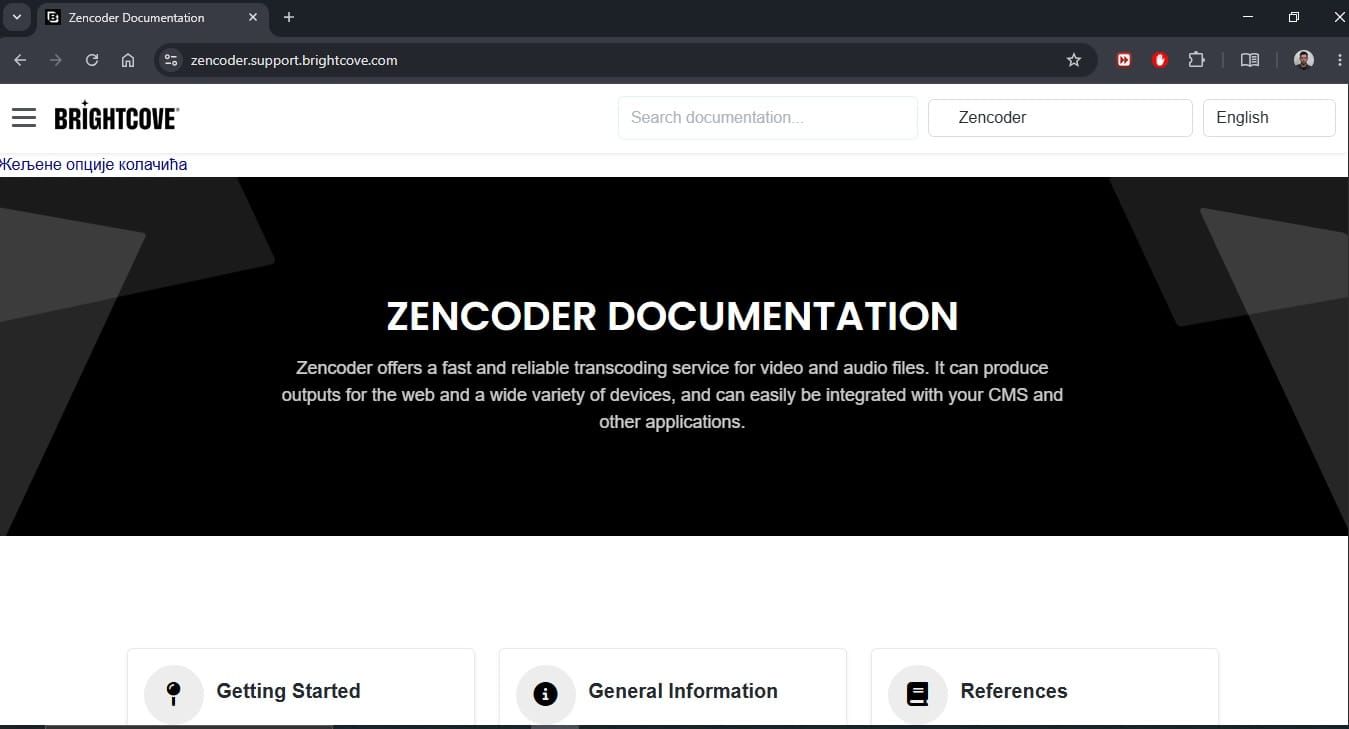
Here is a cloud-based video encoding service that converts source files into streaming-ready formats via an API. It offers fast transcoding, 4K, UHD, and HEVC support. Context Aware technology analyzes each video individually and adjusts compression to ensure the highest possible quality with the smallest file size. In addition, various formats and codecs are supported, adaptive bitrate via HLS and DASH protocols, frame rate conversion, wide format support, and HDR. Good for VOD encoding pipelines, streaming platforms, and broadcast distribution. It is ideal for teams already in the Brightcove ecosystem or looking for a focused, standalone encoding service, as well as enterprises and media companies with large content libraries.
Encoding.com (EDC)
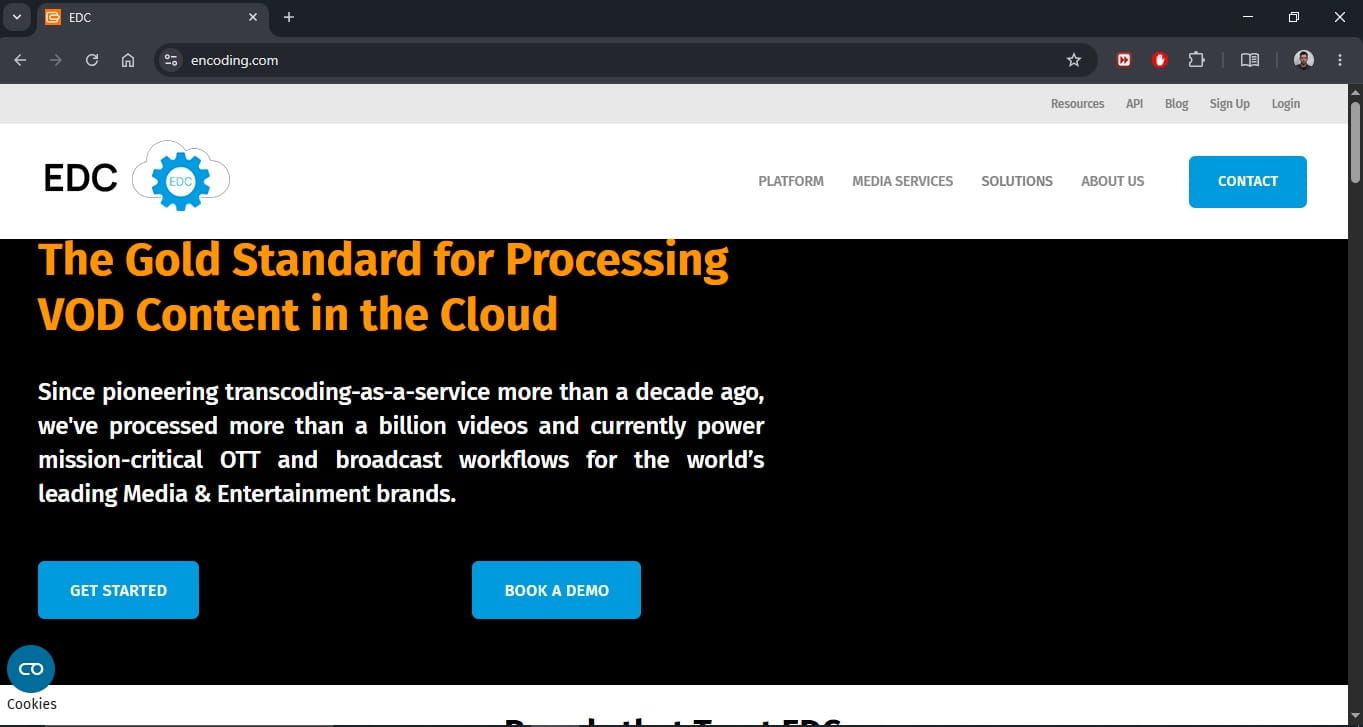
Enterprise cloud encoding platform focused on high-volume VOD processing and programmatic workflows. It is important to note that it is capable of processing 2000 videos simultaneously, provides support for all major adaptive bitrate technologies (HLS, MPEG-DASH), programmatic editing via API (logo overlays, concatenation, text overlays, closed captions), integrates with S3, Akamai, Cloudfront, and other CDNs, and global ingestion centers. It is used for high-volume media processing, broadcast distribution, dynamic ad insertion, and enterprise VOD pipelines. Ideal for enterprise companies and media organizations with complex, large-scale workflows, but not for startups and smaller projects.
Common Use Cases for Video Editing APIs
Brands and agencies use video editing APIs to automatically generate hundreds of variations of ads or posts. This includes different text, images, and fonts, without manual editing. Applications that allow users to upload videos rely on APIs to automatically process, trim, transcribe, and deliver that content in the correct format for each device. API video editors are also increasingly being combined with language models. For example, LLM generates a script, and the API automatically assembles a video from images, speech, and music. This creates fully automated video workflows without human intervention.
Companies use APIs to deliver a customized video to each individual user, with their name, some relevant details, and the particular content, even if they’re all using the same template, that is just dynamically filled with different data. Many SaaS companies are tucking video editing API capability directly inside the product, so end users can tweak or create video while staying in the app itself, without ever stepping out of the platform.
How to Choose the Right Video Editing API?
- Features vs flexibility: Before you decide, take a look at whether the API platform really supports all the formats, effects, and outputs your project needs.
- Ease of integration: If the documentation is solid, there are SDKs for the most common programming languages, and the code examples are clear, so integration can drop from weeks to days.
- Pricing and scalability: Most APIs bill per minute of video processed or per render count, which is useful to start with, but it may become pricey once you scale. So it’s smart to confirm how pricing scales with volume, whether there is any sneaky storage, and any other delivery costs.
- Performance and processing speed: Check how many videos the API can run in parallel and how long a typical project takes to render.
- Support for automation and templates: If you plan to create videos at volume, then a template system isn’t optional. See how adaptable it is and whether the API handles dynamic data insertion from external sources.
- Fit for AI / product workflows: If you’re building an AI-based product, check whether the API integrates correctly with LLMs, whether webhooks are available for async processing, and whether the endpoints remain stable enough for automated pipelines.
Summary
Video editing APIs are changing the way companies create and share video content. Today, developers can automate the entire production pipeline with just a couple of lines of code instead of doing all those manual edits. Whether you’re working on a marketing tool, a UGC platform, or something that’s AI-powered, there’s probably a right API solution for your needs.