Plainly Alternatives
Plainly is a video automation platform that uses Adobe After Effects templates. It helps teams connect dynamic data to motion graphics projects and allows automated video creation at scale, which is popular among social media marketers. Additionally, sales teams can utilize it to create outreach videos.
However, as teams grow, they search for alternatives, mainly because they need more flexibility. Some need more control over rendering infrastructure. Others prefer self-hosting options or integration with existing pipelines.
The best Plainly alternatives automate video rendering, personalize templates using data, and handle edits at scale. They integrate directly with APIs or production pipelines. In this article, we are going to go through some of the best alternatives to Plainly and see what each option brings to the table.
Best Plainly Alternatives (After Effects-Based)
These tools all work with Adobe After Effects. Nevertheless, they approach automation and personalization processes in their individual ways.
Nexrender
Website: https://www.nexrender.com
Pricing:
- Open source.
- Pricing depends on the infrastructure.
Product Overview:
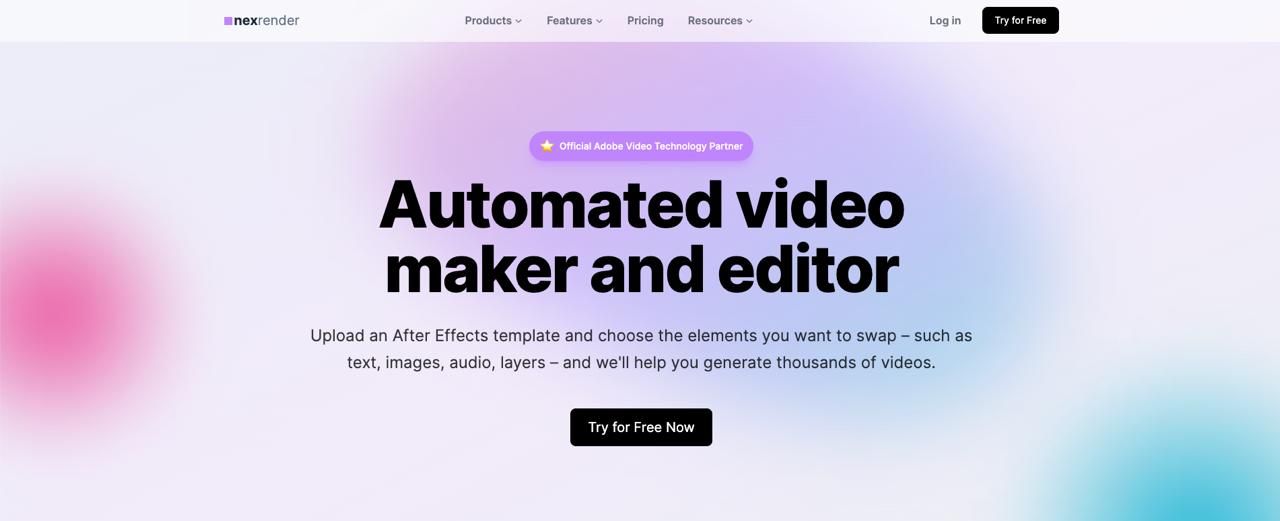
Nexrender is an automation tool for rendering video templates in Adobe After Effects. It connects directly to the After Effects engine, enabling fully automated video generation. Unlike typical SaaS tools, Nexrender gives teams full control over their rendering infrastructure and complete flexibility. Anything you can do manually in After Effects can also be done automatically, and at scale, with Nexrender.
Key Strengths:
- Free self-hosted and paid cloud plans available
- Complete control over rendering workflow.
- Deep API integration and automation flexibility.
- Works with existing After Effects templates.
- Scales indefinitely using cloud or on-premises machines.
Best Use Cases:
- Batch render After Effects templates in minutes.
- Developer-led teams.
- Agencies with custom infrastructure needs.
- Companies that want to avoid per-video SaaS pricing.
Why It Stands Out:
Nexrender is a potent long-term solution. It provides scalability, infrastructure control, and cost efficiency.
Idomoo
Website:
Pricing:
- Enterprise-level custom pricing.
Product Overview:
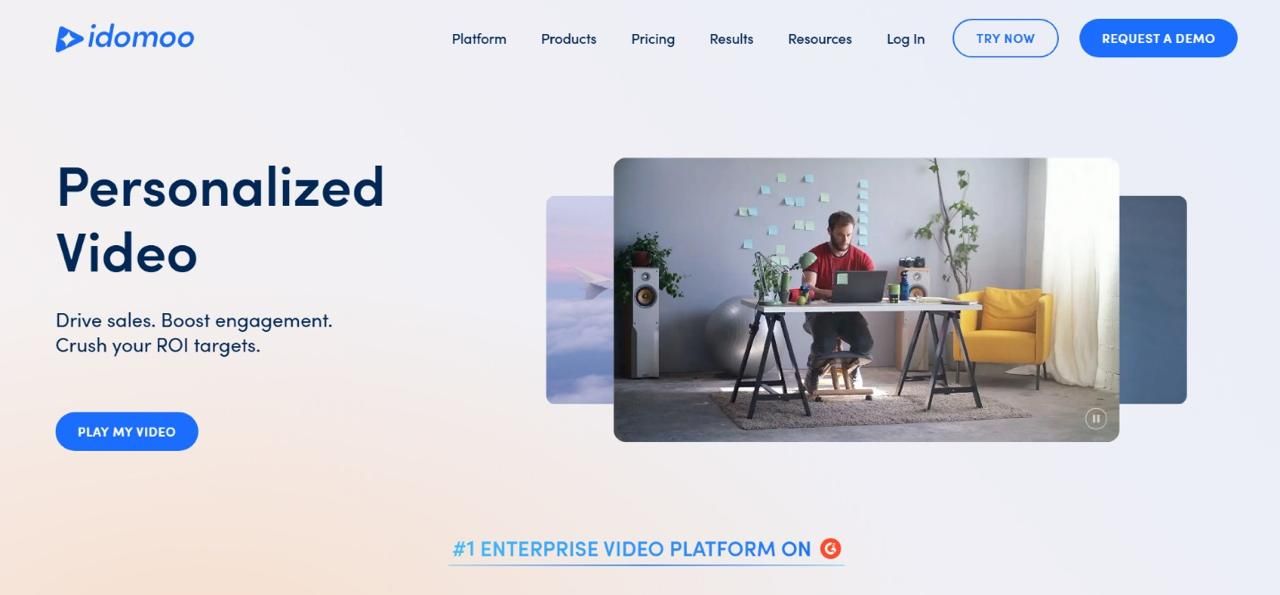
Idomoo is an enterprise AI-driven video personalization platform. It focuses on brand-driven video advertising and customer engagement campaigns. Idomoo seamlessly integrates with After Effects workflows.
Key Strengths:
- Enterprise-level personalization features.
- Advanced AI-driven ad customization.
- Real-time render After Effects capability.
- Strong enterprise support.
- Limitations Compared to Plainly:
- High cost
- Flexible for developer-led customization.
- Enterprise-focused (overkill for small teams).
Best Use Cases:
- Global marketing campaigns.
- Large-scale customer engagement programs.
- Brand-video personalization initiatives.
Bannerbear
Website:
Pricing:
- Subscription-based (tiered plans).
Product Overview:
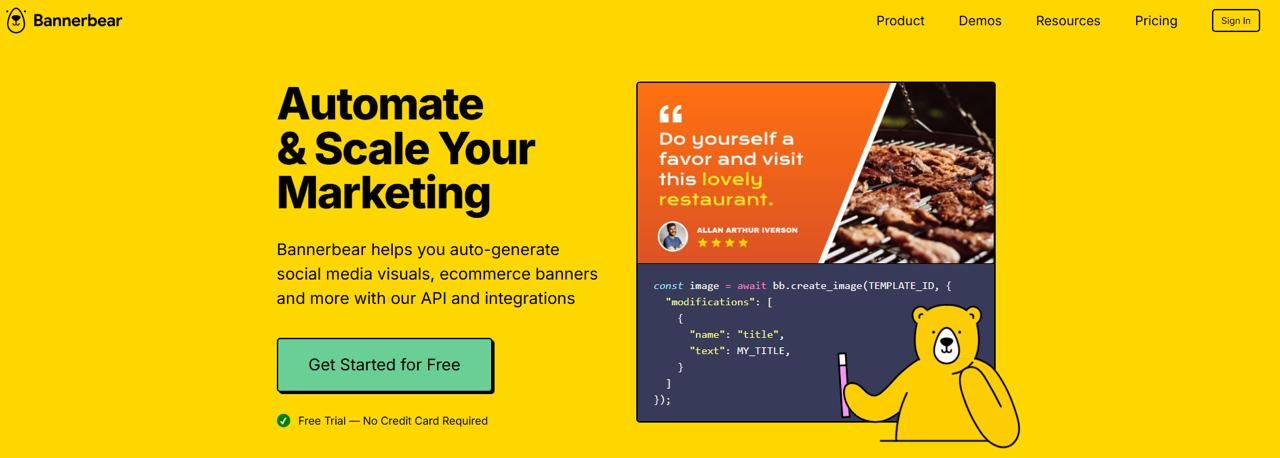
Bannerbear is primarily an API for generating media. It supports video overlays and basic motion graphics. It does not offer the full After Effects-level complexity for composing.
Key Strengths:
- API integration
- Easy setup
- Good for lightweight motion graphics
- Limitations Compared to Plainly:
- Limited animation complexity.
- Not a full After Effects rendering solution.
- Less suitable for advanced motion design.
Best Use Cases:
- Social media snippets.
- Lightweight dynamic content.
- Startups that need quick automation.
Creatomate
Website:
Pricing:
- Usage-based pricing.
- API-first plans.
Product Overview:
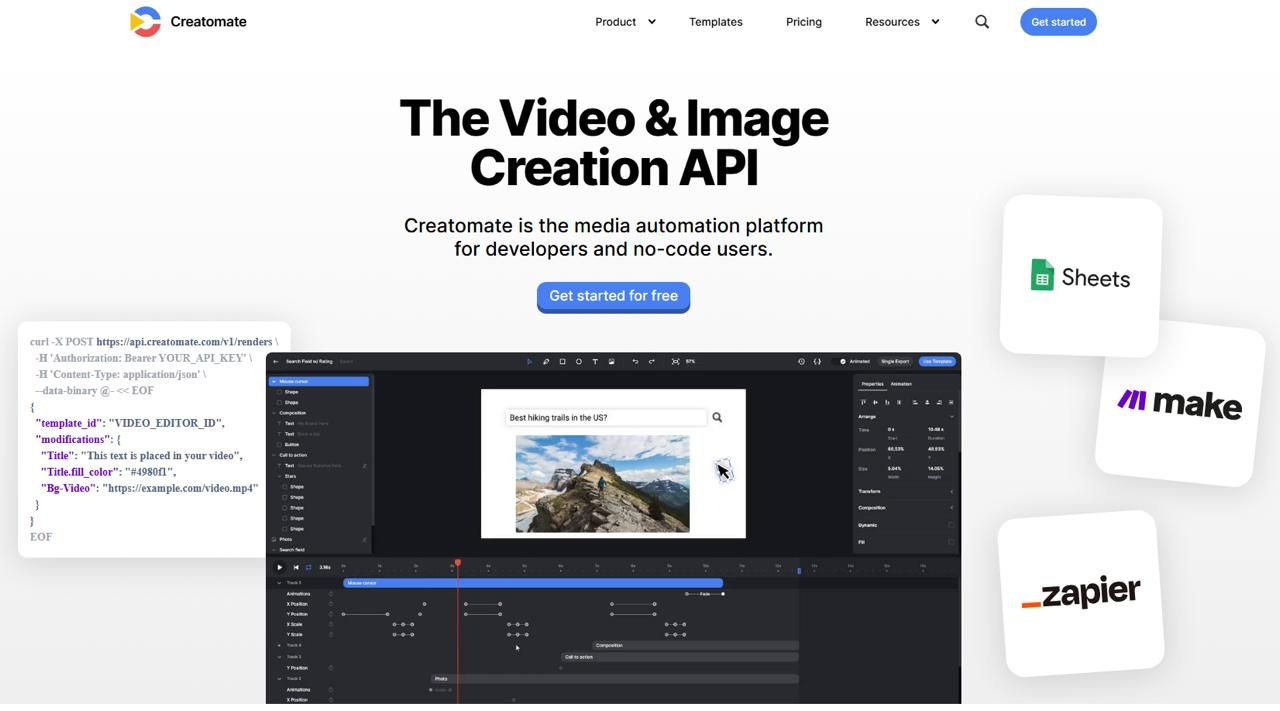
Creatomate is an API-first platform that automates video and image generation. It allows templates and JSON-driven automation workflows. This makes it attractive for developers who want control without an After Effects dependency.
Key Strengths:
- Strong API-focused design.
- JSON automation workflows.
- Responsive templates.
- Cloud rendering included.
- Limitations Compared to Plainly:
- Does not leverage the full After Effects capabilities.
- Less control over advanced compositing.
Best Use Cases:
- Automated marketing content.
- Structured template-driven campaigns.
Shotstack / Shotry AI
Website:
Pricing:
- Usage-based API pricing.
Product Overview:
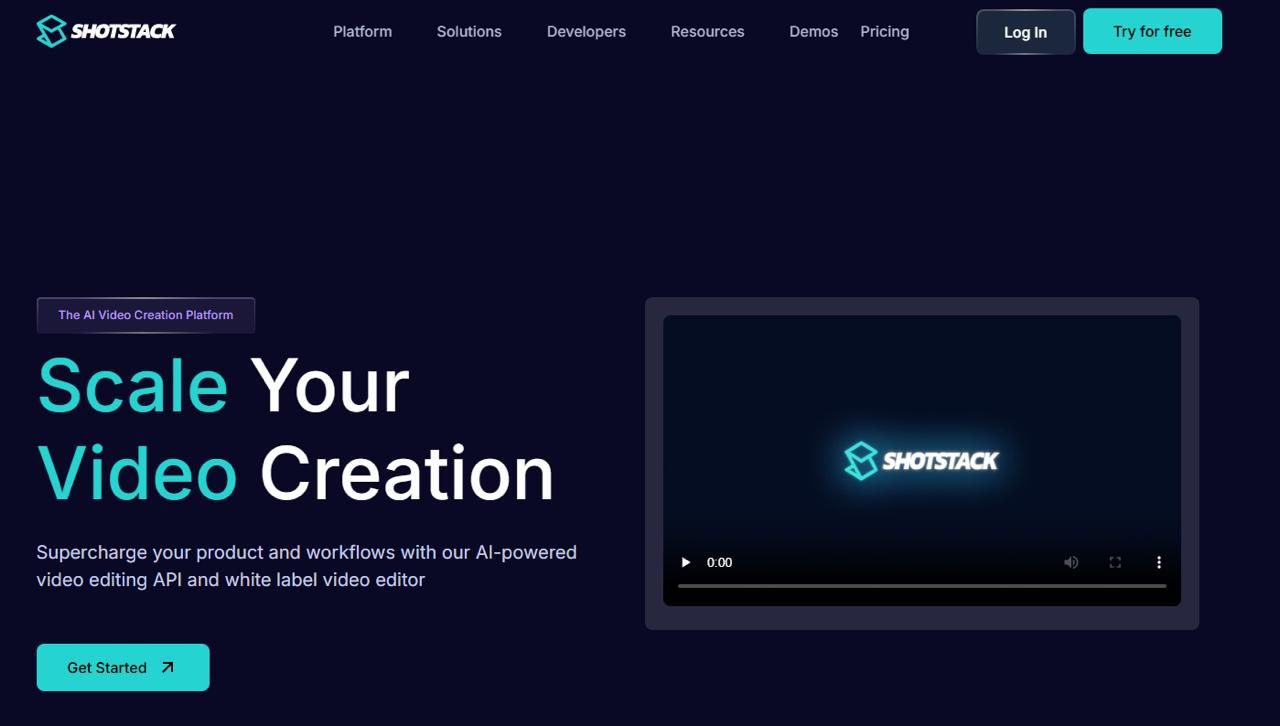
Shotstack is an API-based platform focused on scaling video creation. It helps content creators by automating video editing and rendering, and supports data-driven personalization. Moreover, it also handles large-scale video generation in the cloud.
Key Strengths:
- Developer-friendly API.
- Designed for bulk rendering.
- Limitations Compared to Plainly:
- Not After Effects-based.
- Limited advanced motion graphics control.
Best Use Cases:
- Programmatic video creation.
- AI-assisted workflows.
- Large-scale automated editing pipelines.
Best Plainly Alternatives (Not based on After Effects)
These platforms do not require Adobe After Effects.
LTX Studio
Website:
Pricing:
- Monthly subscription.
- Enterprise-level plans are negotiable.
Product Overview:
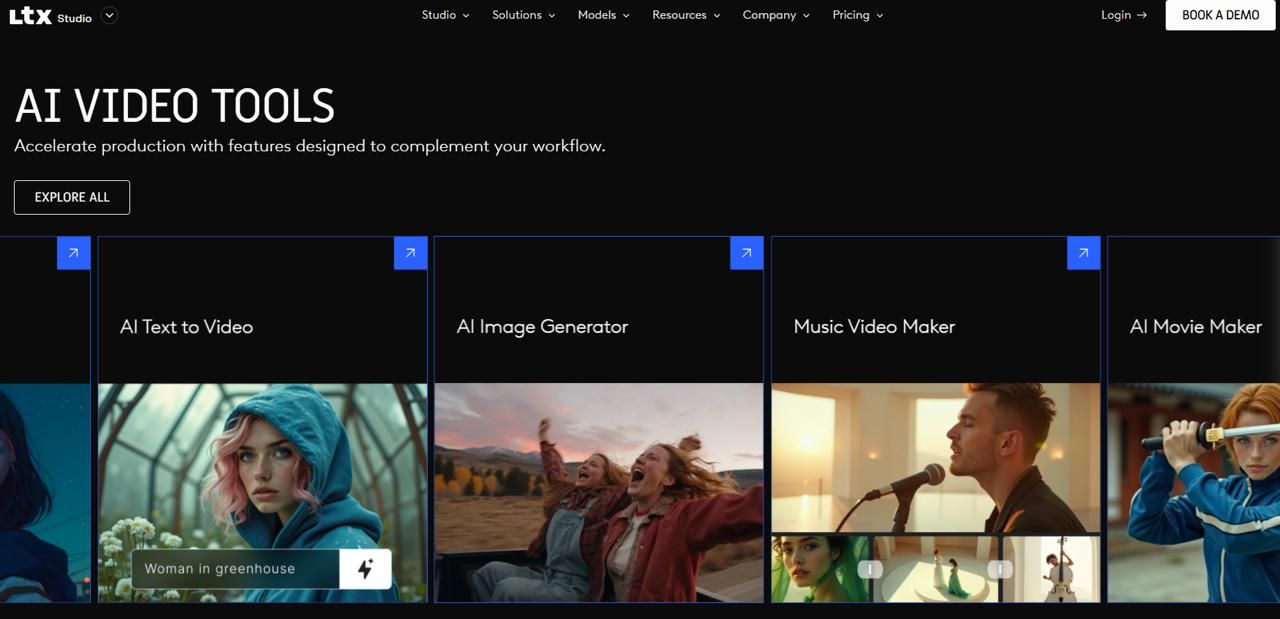
Built for video creators who need a quick way to generate AI video without using conventional editing software, but simply through textual prompts. The platform offers a series of integrated tools for editing and a slick storyboard to work in.
Key Strengths:
- Text-to-video generation.
- Fast video generation process.
- User-friendly storyboard for editing.
- Limitations Compared to Plainly:
- Not designed for data automation.
- Not suitable for high-volume personalized campaigns.
Best Use Cases:
- Quick video prototyping.
- Short social media solo videos.
Veed.io
Website:
Pricing:
- Free to use with premium plans that allow extended features.
Product Overview:
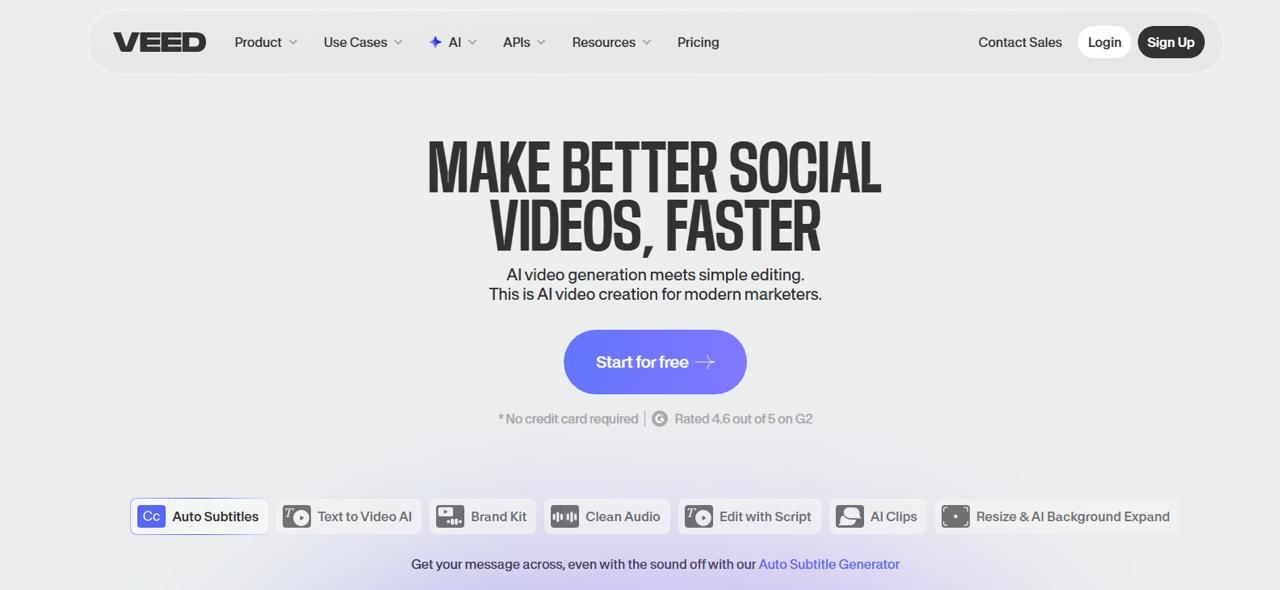
Veed.io is a browser-based editor. It has AI-assisted tools for content creation. It is best for media teams and quick-turn marketing videos.
Key Strengths
- No software installation needed.
- AI-assisted editing tools are available.
- Easy-to-use interface for non-technical teams.
- Fast content production for social platforms.
Limitations Compared to Plainly:
- Not built for complex After Effects-level motion graphics.
Best Use Cases
- Social media marketing teams.
- Quick-turn marketing content.
- Small businesses that need light editing tools.
Canva
Website:
Pricing:
- Free plan available for individual users.
- Paid plans for teams and professionals.
Product Overview:
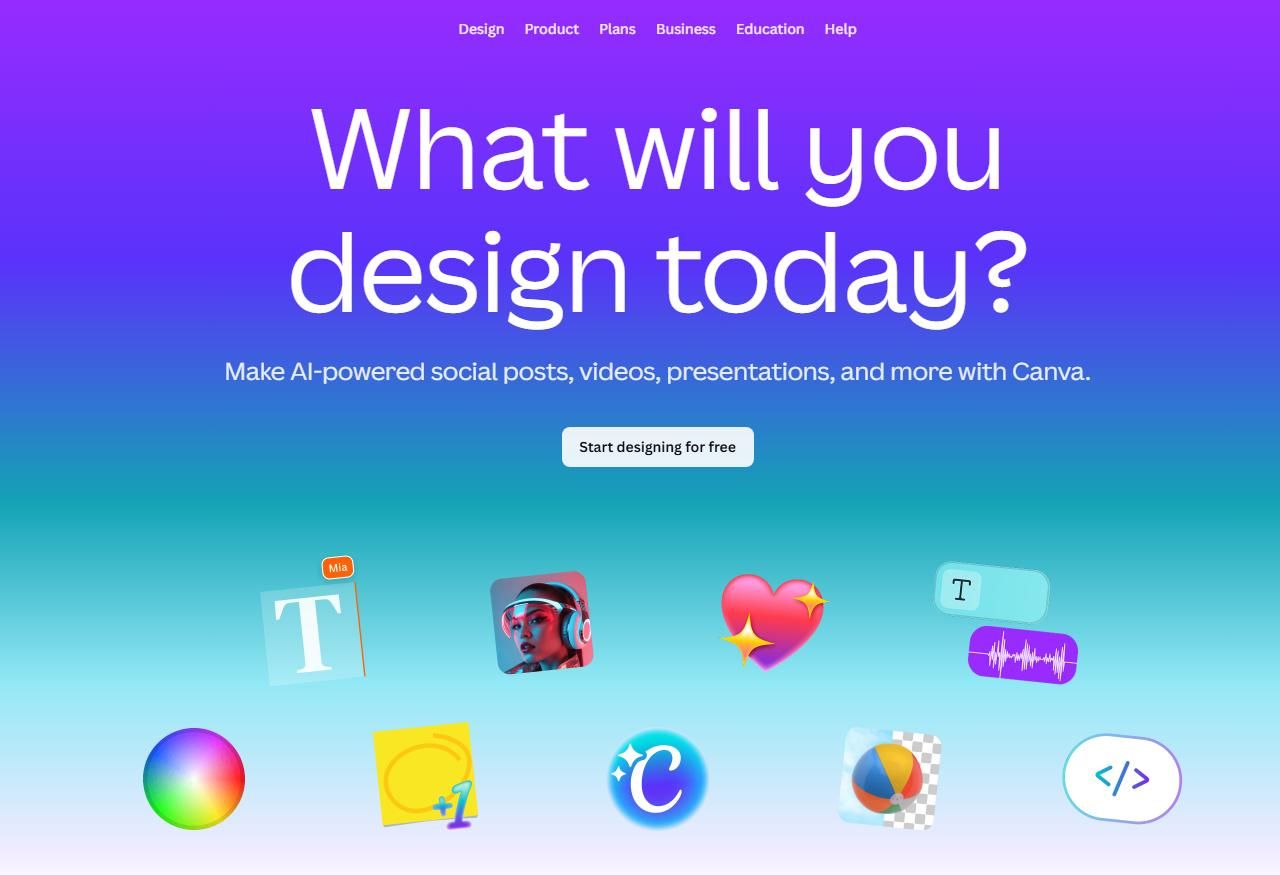
This website offers template-driven video and image creation. It focuses on marketing content and social media output. It is best for technical users and rapid design iterations, but it is also easy enough to use if you are not a world-class designer.
Key Strengths
- Beginner-friendly interface.
- Extensive template library available.
- Brand kit and team collaboration features.
- No technical setup required.
Limitations compared to Plainly:
- Customization depth and automation complexity.
Best Use Cases
- Marketing teams that produce social media content.
- Internal communications videos.
Runway
Website:
Pricing:
- Subscription-based tiers depending on AI generation usage and features.
Product Overview:
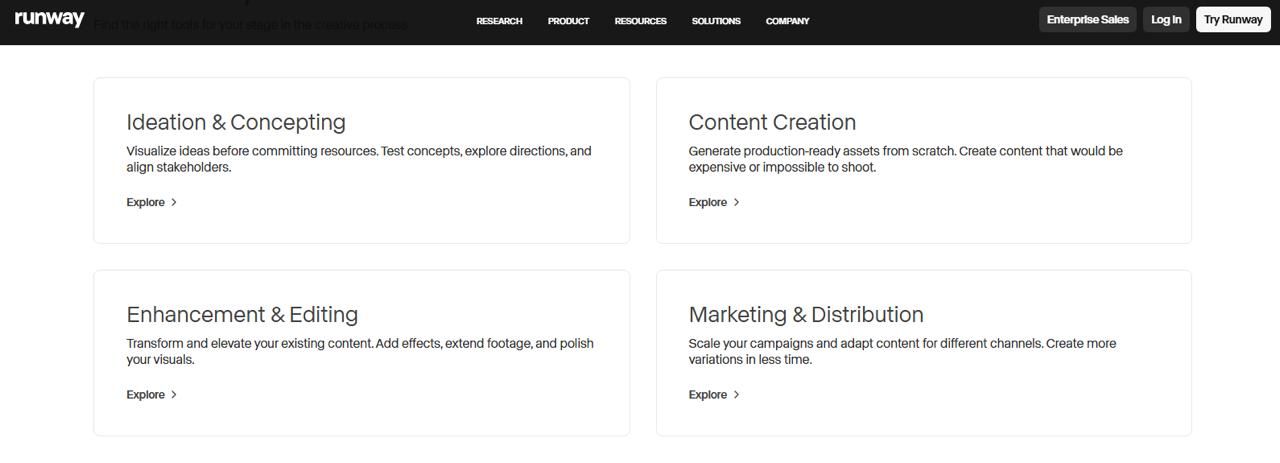
Runway is an AI-powered browser-based design studio. It generates videos and also features experimental workflows. It’s not built for massive projects; nevertheless, it will satisfy your individual or small-business marketing content-creation needs.
Key Strengths
- Advanced AI video generation tools.
- Experimental creative workflows.
- No traditional editing software required.
- Cloud-based processing
Limitations Compared to Plainly
- Not template-based personalization at scale.
- Less structured data-driven automation.
- AI-focused rather than workflow automation-focused.
Best Use Cases
- Creative experimentation.
- AI-generated video content.
- Innovative marketing campaigns.
Summary
If you are running a strong team that needs high levels of customization, infrastructure ownership, and control over your process costs, Nexrender is the best choice. This software has been in development for 10 years, making it a longstanding option in the market. While SaaS platforms are simple and quick to set up, Nexrender offers flexibility. This is especially true for teams involved in large-scale automated video production using Adobe After Effects.
At the same time, Nexrender isn’t limited to large teams. Smaller teams and individual motion designers can use it through simplified dashboards and workflows that make automation accessible without heavy technical overhead.
FAQs
Is there a free alternative to Plainly?
Yes. Nexrender offers a free, community-driven open-source version that includes the core features needed to get started. Once you need to scale or move to a more managed setup, it’s easy to switch to Nexrender Cloud.
There are also other free alternatives available, but they often come with limitations in flexibility, scalability, or output quality.
Do I need After Effects to create a personalized video?
Not always. Tools like Creatomate or Shotstack don’t need After Effects. If your work requires advanced motion design, After Effects remains important.
Can I self-host a video personalization platform?
Yes. Nexrender lets you self-host and retain full control of your rendering. Self-hosted solutions, however, require more attention and take more time to launch. Also, it’s not recommended for those who need quick launch and strong personalization features.