Adobe After Effects Alternatives (Free and Paid)
After Effects is an industry standard in motion graphics and visual effects for years. However, being such a power-packed AE turns out to be dependent on hardware, hence excluding many users from it. After Effects alternatives are generally turned to by students, novices, small studios, freelance creators, and YouTubers. These programs are typically less complex, easier to learn, can run on weaker computers and consume fewer resources.
Do you really need to switch from After Effects?
Before we go any further, let's think about whether you really need Adobe After Effects alternatives. If the reason lies in a complex and slow workflow, don't worry, we have a solution!
can automate creating multiple videos and greatly improve the rendering process. So, think twice – maybe you just need software that will improve the process.
Best free After Effects alternatives
DaVinci Resolve with Fusion Page
- The Fusion Page module enables advanced nodal work with compositing, effects, and 3D elements.
- Fusion Page is oriented towards compositing and visual effects, and less towards classic motion graphics tasks.
supports 3D work, VFX pipelines, and advanced effects, making it ideal for film and professional work.
The limitations of the free version:
- The lack of advanced AI options and plug-ins that exist in the Studio version.
- Limited advanced effects, tracers, and certain 3D tools.
- Performance improvements are available in full capacity only in the paid version.
Blender
- The Grease Pencil Tool is excellent for 2D animation directly in 3D space.
- Flexible for sketch-style animations and motion graphics.
- Built-in nodal compositor for VFX and post-production, supports compositing, masking, color correction, and effects.
allows for easy transition between 3D models, animations, and visual effects.
- This is a free After Effects alternative; it has an active community, as well as many plugins and add-ons.
Differences from AE:
- It is not focused on classic timeline-based motion graphics.
- The interface and workflow are not intuitive for users coming from an AE environment.
- Animation like text, shape layers, and 2D motion graphics requires a different approach and more customization.
- Working with 2D layers and effect presets is not as easy and fast.
HitFilm
combines video editing and visual effects in one program.
- It has a time-line based workflow, which makes it closer to After Effects than nodal systems.
- The built-in compositor and effects allow for basic VFX tasks: masking, keying, color correction, basic 3D elements, and particle effects.
Free version limitations:
- fewer built-in plug-ins and effects than in the pro version.
- no advanced 3D functionality and professional export options.
- watermark on certain renders.
- some advanced simulations, particle systems, and motion tracking options are only available in the pro version.
Natron
- Uses a node-based compositing system. Allows for precise control of effects, masks, keying, and layers. Suitable for advanced VFX pipelines and film production.
is a free open-source project, so it can be unstable in large or complex projects. Occasional bugs or plugin compatibility issues. Performance depends on hardware, not optimized for GPUs like commercial software.
- Supports open-FS plugins, which extend the functionality of effects and filters. Less rich ecosystem compared to commercial software, but the community develops quality and free plugins.
Synfig Studio and OpenToonz
focuses on 2D vector animation with automatic interpolations. Conversely,
is intended for traditional 2D frame-by-frame animation, with professional ink&paint tools.
- This alternative to After Effects is useful for character animations, logos, and illustrations, without advanced motion graphics needs. Open Toonz is a good choice for projects with hand-drawn drawings and complex scenes.
- Both platforms are free.
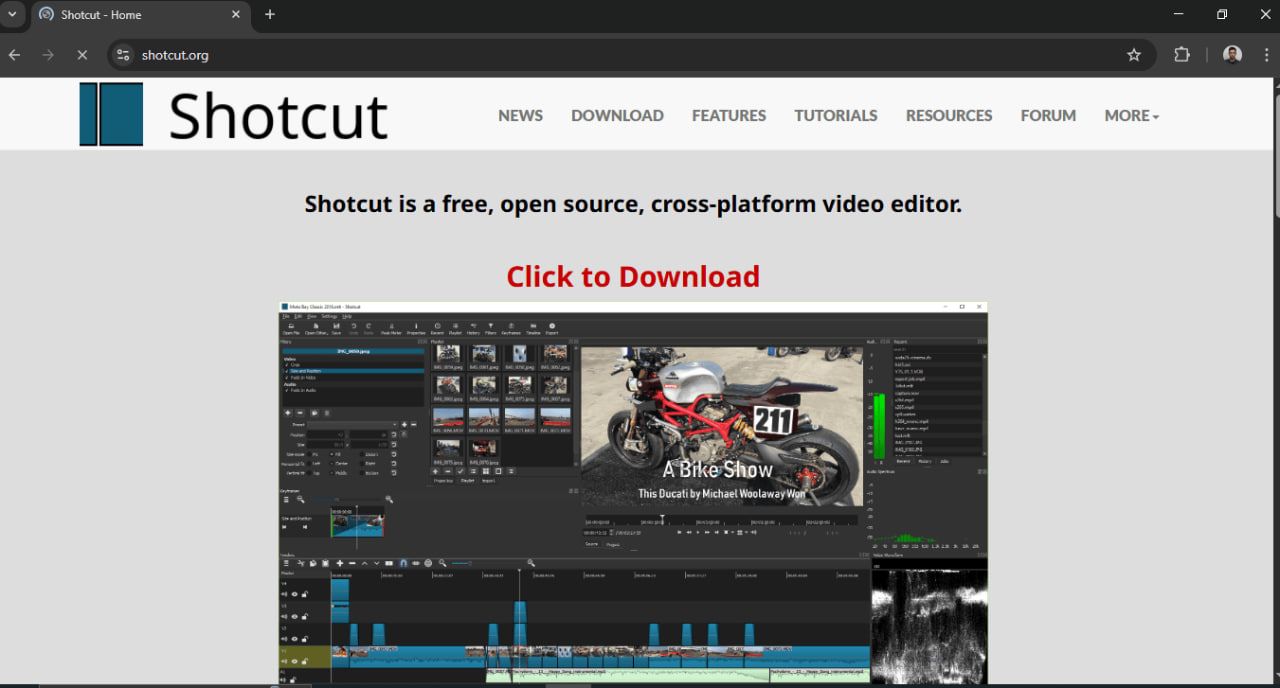
Kdenlive/Shotcut/Olive
- Able to do simple text animations, transitions, masks, keying, and color correction. They are sufficient for YouTube, social networks, tutorials, and generally quick editing. Do not require advanced knowledge of compositing or nodal systems like professional VFX tools.
- Faster workflow - everything is done on the timeline. Less demanding on hardware than AE. Often have a large database of free transitions, effects, and plugins.
- Ideal when the project is not so complex that it requires deep compositing. When the deadline is short, and you need to get a professional video without heavy post-production. When the user needs speed and simplicity more than advanced visual effects.
- All these platforms are free open-source.
About fast workflow…
allows you to render After Effects projects automatically from the dashboard, without opening the program. It is ideal for productions that generate a lot of video variations and want to speed up and standardize the workflow.
Best paid After Effects alternatives
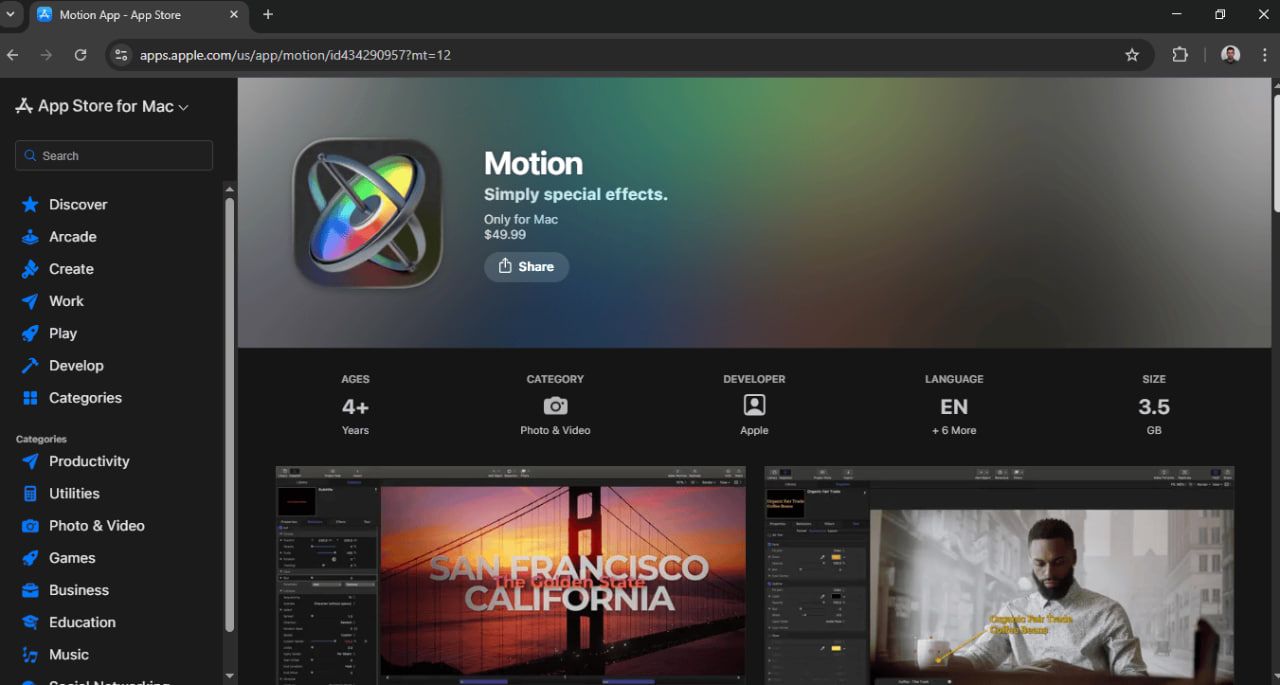
Apple Motion
is optimized for Mac only, but works very fast, even on demanding projects. Real-time preview without waiting for pre-render, which speeds up creative work. More intuitive and faster for simple animations compared to AE.
- Alternative to After Effects provides many ready-made templates, animations, effects, and transitions. Can be used to create custom templates that are imported into Final Cut Pro. Ideal for users who want faster and visually striking results.
- A powerful choice for Final Cut Pro users who want professional graphics and animations. Faster commercials, promo videos, titles, intro sequences, lower thirds, and TV graphics. When work needs to be done fast, without using complex VFX processes from AE.
- One-time purchase on the Mac App Store: $49.99
DaVinci Resolve Studio + Fusion Studio
brings the full functionality of a nodal system, with all the professional tools for VFX, 3D compositing, particle simulation, and motion graphics. It allows for detailed control over masks, keying, tracking, and complex effects. Integration with DaVinci Resolve Studio means that effects and compositing can be directly linked to the edit and color pages, without the need to export between programs.
- The Studio version enables full GPU acceleration, advanced plug-ins and add-ons for color, HDR, and visual effects. All stages of post-production - editing, VFX, color and sound - are done in a single software ecosystem, which reduces the time and complexity of workflow.
- Studio version price: $295
HitFilm (Pro):
- The template library provides hundreds of ready-made effects and templates for quick production. It allows you to create professional motion graphics without lengthy manual setup. It supports additional plug-ins and extensions for even more complex visual effects.
- YouTubers-friendly due to its simple timeline workflow with a drag-and-drop interface. Fast export option optimized for social networks and various video formats. Tools for subtitles, lower thirds, intros, and overlay graphics make content production easy.
- It costs $8.99 per month. For the Pro plan, the price is $6.25 per month on an annual basis. There is also an option: $349 for a license with 12 months of updates and support.
Nuke:
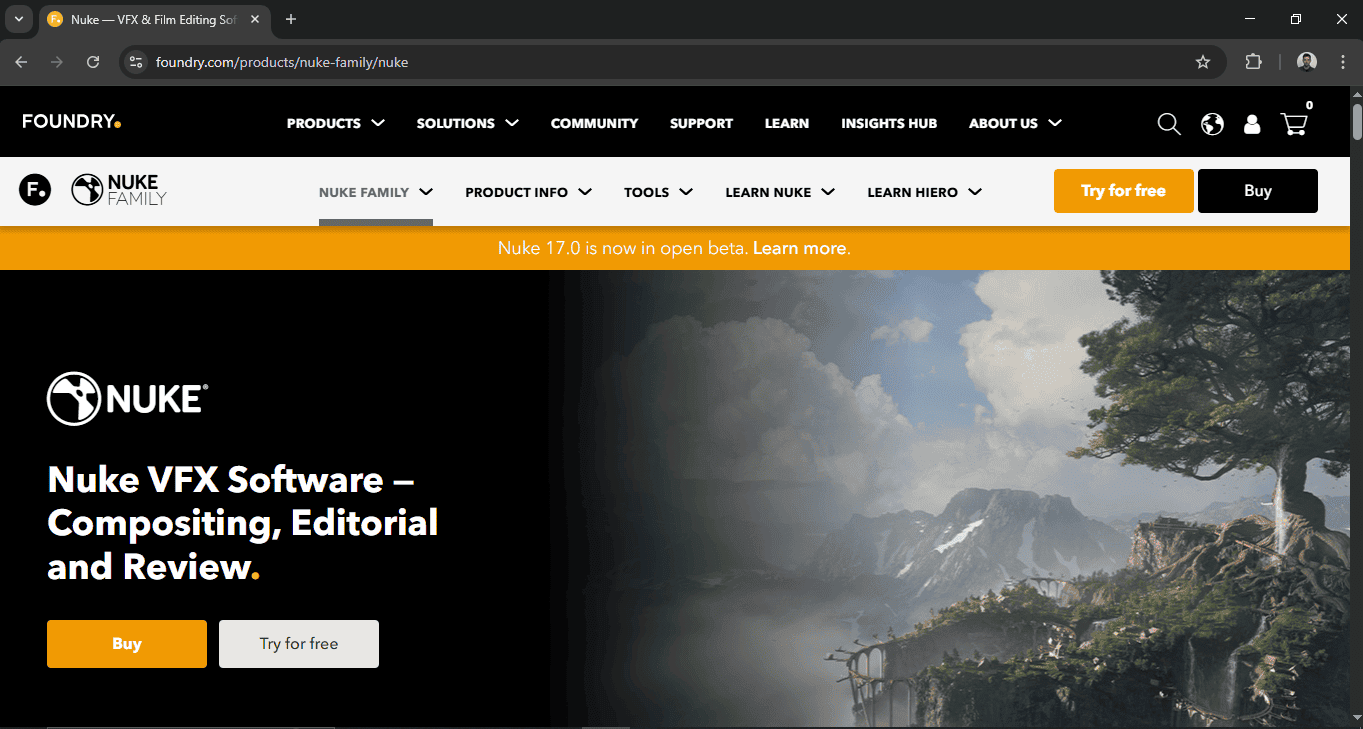
is a professional software for complex VFX pipelines, 3D compositing, and high-budget films. The node-based system allows precise control over masks, keying, tracking, practical effects, and complex scenes. Integration with industry tools and plugins makes it the standard in large studios.
- Great for professional VFX studios, film productions, and teams working on blockbuster projects. Using the non-commercial version is good for learning and hobbies, but with limited render resolutions and some plugin restrictions. It's also suitable for freelancers who want to get familiar with the industry standard without the need for a professional license.
- The annual subscription is $3299; the indie version for solo artists is $499 per year.
Specialized tools as situational complements
- Jitter: Fast and collaborative online design tool focused on motion design
- Mocha Pro: advanced tracking and rotoscoping
- Cavalry: fast and flexible motion design tool
- Houdini: procedural FS and simulations for film and advertising
- Flame: professional broadcast level VFX and phishing
Did you know?
is your shortcut to automatic video creation and editing in After Effects!
Open-source After Effects alternatives
Open-source software brings free use, an active community, and the ability to extend the tool as needed. However, the shortcomings are usually reflected in poorer polishing and a lack of plugins. Blender is ideal for 3D elements, VFX and integrated compositing, while Natron is good for node-based VFX compositing. These two stand out the most when you need 2D animation and motion projects, which do not require powerful effects like After Effects.
FAQs
Is there a true 1:1 After Effects replacement?
There is not an equal After Effects alternative. No software can match the kind of motion graphics, compositing works, plugins, old templates, and huge ecosystem that After Effects offers. Other options may have some of the features, yet many professionals find themselves sometimes combining more than one program to flesh out the whole AE workflow.
Can I open .aep in another program?
You can’t open an .aep file generally in any program except AE, as the format is closed and proprietary. Other programs may work with individual compositions, for example, rendered ones, but they will never open a complete.aep with all layers and effects.
What’s the best alternative for motion graphics vs VFX vs 2D animation?
For motion graphics the best alternatives are Blender and Cavalry. For FVS the strongest replacement is DaVinci Resolve + Fusion or Nuke. Synfig and Toonz are the best options for 2D animations.
Which free option is easiest for beginners?
Kdenlive and Shortcut are the best choices for beginners because of their classic timeline approach and simple interface. They have basic effects and animations, so they are the easiest to enter the world of video editing and motion projects.
What if I only need YouTube titles and simple effects?
HitFilm Free, Kdenlive, and Motion offer fast templates and an easy workflow, so you can use them if you only need YouTube titles and simple effects.