Best After Effects Render Farms
How After Effects Cloud Rendering Works
When the rendering process on your computer requires too much time, you can rent powerful machines online to finish the task more quickly. All it takes is finding an After Effects cloud render farm provider online and choosing the service pack that best suits your needs.
Since you navigate the workflow through your computer, it’s important to state that you need a valid Adobe After Effects license. This is because, essentially, with cloud rendering farms you are delegating your rendering task from your computer to a group of computers. That way, each computer (nod) takes up a portion of the task.
Professional Tip:
Rendering After Effects videos in bulk requires heavy gear. Nexrender generates hundreds of videos in a matter of minutes.
How to Choose a Render Farm
Some After Effects cloud render farms are more reliable in terms of performance stability than others. There are farms that offer pricier services but offer a wider range of possibilities. To choose the best option, you should know your needs. Here’s a brief list of factors that you should consider when browsing for providers:
- Speed and queue times: powerful GPU or CPU and a high number of available nodes means fast rendering. However, pay attention to Queue times, it tells how long you have to wait on average before your process takes place.
- Pricing models and transparency: you will encounter different pricing methods, some providers charge by core, others by node, and others might have different options. Pay attention to added costs like those for a priority rendering slot or minimum job cost.
- After Effects version and plugin support: make sure you choose a provider that supports your version of After Effects. The same goes for third-party plugins.
- Region and data residency: pick a service that provides data centers closest to your region. The closer the server, the faster your data gets to the farm and back.
Top After Effects Render Farms to Consider
Fox Renderfarm
Optimal for rendering tasks that carry heavy visual effects and motion graphics. This service is suitable for a single user and studios alike.
Website:
Notable Strengths
- High computing power, scalable nods for large projects.
- Broad array of supported plugins, tools, and third-party apps.
- Available free trial period, discount prices for academic use, and a referral program.
Potential Limitations
- Fox Renderfarm charges prices above the market average.
- There aren’t too many After Effects-oriented third-party plugins available.
Pricing Notes
- Service is charged by core or node-hour.
- There are seasonal special deals.
Super Renders Farm
This rendering farm provides a colorful palette of software support, including After Effects. Super Renders Farm is aimed at freelancers and studios with remote staff members.
Website:
Notable Strengths
- Rendering both CPU and GPU-driven projects.
- 24/7 live chat support.
- Low price.
Potential Limitations
- Besides After Effects cloud render, Super Renders Farm provides services to various 3D tools. So, there might be a limited selection of third-party After Effects plugins.
Pricing Notes
- Billing by GHz-hour, with variable pricing depending on the type of server and priority level.
GarageFarm.NET
If you’re a motion design specialist doing freelance work or you run a studio with a small crew, this is a perfect solution. But don’t think of it less, this render farm provides loads of documentation and deep integration capabilities.
Website:
Notable Strengths
- Seamless setup process.
- Rendering both CPU and GPU-heavy tasks
- ISO certified
Potential Limitations
- Limited support for official After Effects plugins.
- Some workflows might require manual preparation of the project.
Pricing Notes
- Credit-based pricing ($25 started credit)
Professional Tip:
With Nexrender you can automate and distribute your After Effects renders across your own machines or cloud instances.
TurboRender
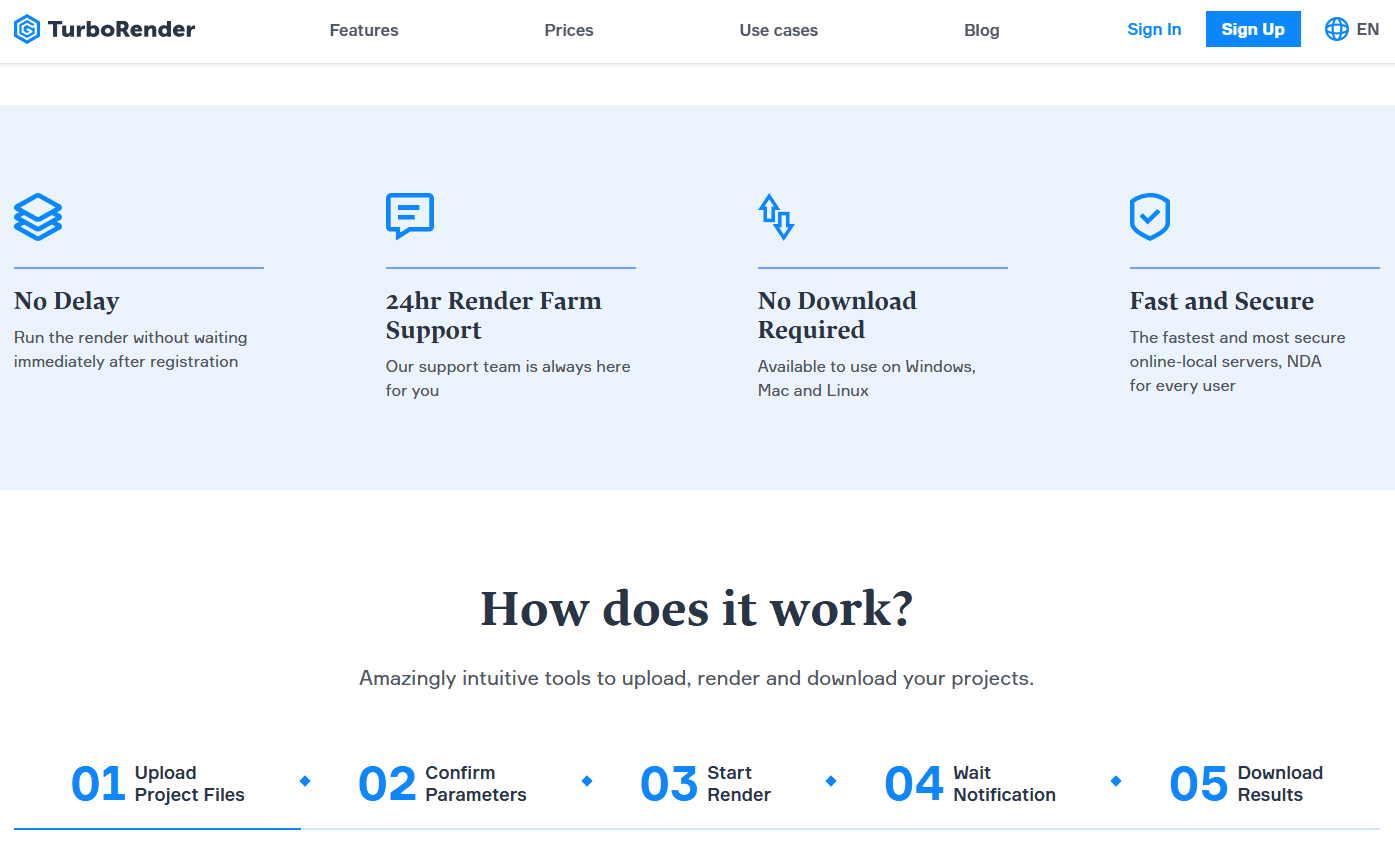
Simple to use, no additional software installation required. You just upload your project and download it when rendering is complete.
Website:
Notable Strengths
- Simple project upload via browser.
- Versatile After Effects plugin support.
- 24/7 live customer support.
- Free rendering hours available.
Potential Limitations
- Less transparent pricing than competitors.
Pricing Notes
- For detailed pricing information, live chat is available
Nexrender as an Alternate Workflow
Nexrender is an After Effects render automation software. It allows you to automate multiple renders or build your own render farm.
Website: nexrender.com
Benefits:
- JSON-based task automation.
- Scalable computing rigs.
- Dozens of rendering tasks completed in minutes.
How Nexrender Eases Rendering
With Nexrender, you don’t have to upload your project to a remote farm and wait on their pipeline. In a matter of minutes, you get dozens of videos that render farms might charge as individual projects.
Considerations
- Nexrender requires some technical training and coding abilities.
- You should check if there’s plugin support for your OS or After Effects edition.
ForRender
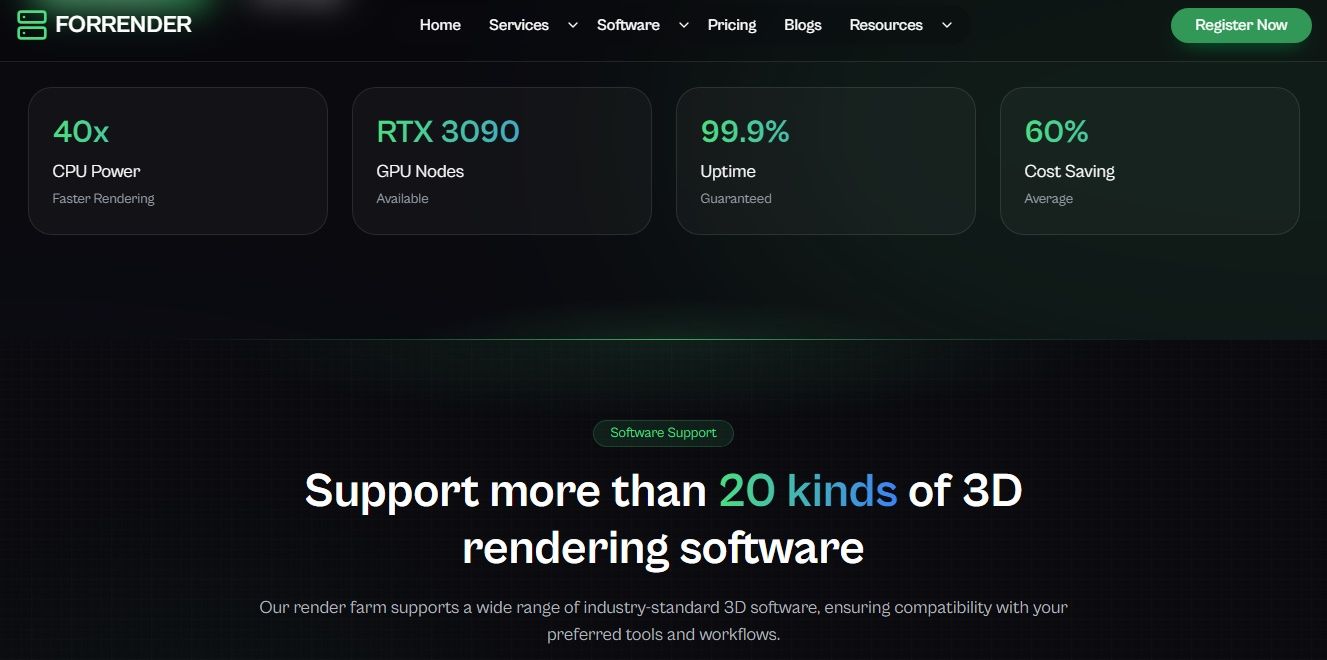
General use cloud render farm with strong support for the After Effects service. They offer both CPU and GPU render farm services.
Website:
Notable Strengths
- Competitive prices for the level of service.
- Free starter credits for newcomers.
Potential Limitations
- Some plugins and After Effects versions are not supported.
Pricing Notes
- The minimum order limit is lower than the market average.
RenderStreet
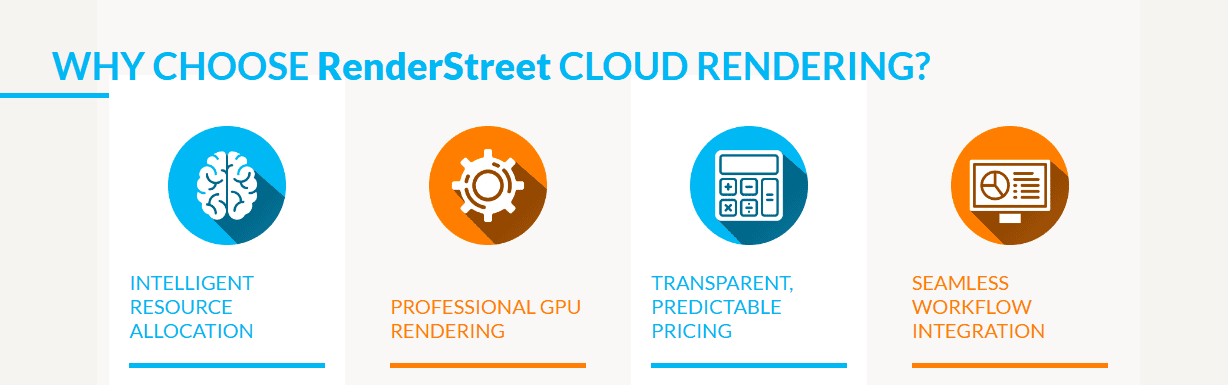
Reliable service for individuals and small businesses who don’t deal with extremely demanding tasks. Instead of charging by usage like most providers, RenderStreet goes by monthly subscriptions.
Website:
Notable Strengths
- Unlimited rendering tiers with premium plans.
- EU and USA servers are available to reduce latency.
- Operation via the dashboard provides a seamless workflow.
- Responsive customer support service.
Potential Limitations
- Fair-use policy applies during peak times.
Pricing Notes
- For users who prefer billing by usage, they offer this option too.
iRender
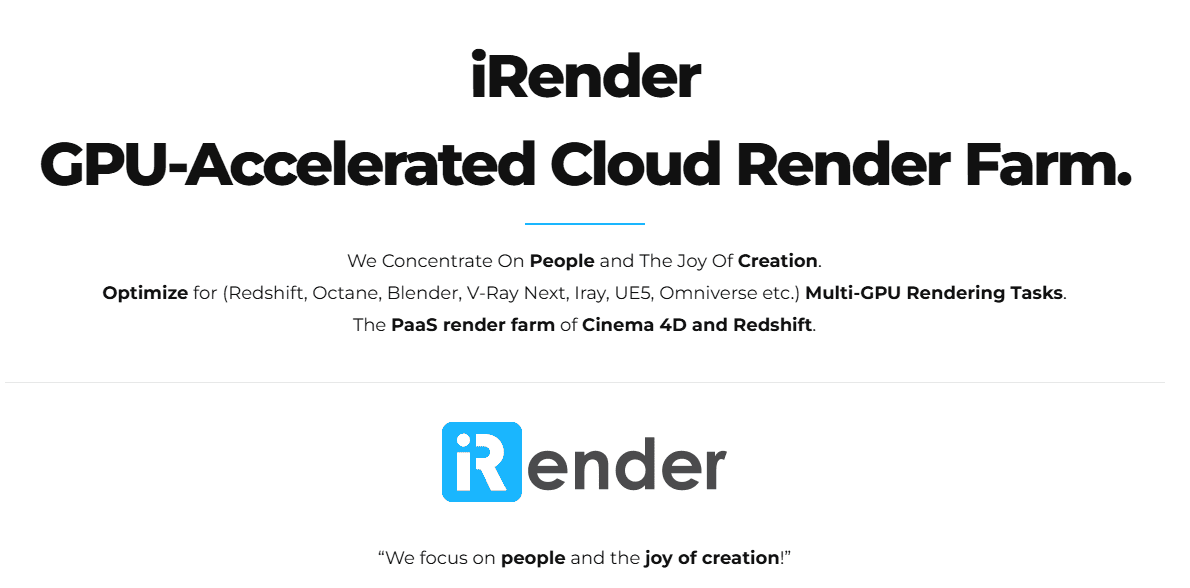
With dedicated rigs available as an option and strong GPUs, artists would enjoy iRender.
Website:
Notable Strengths
- RTX-class gear, optimal for GPU rendering.
- Remote Desktop operation for seamless control and use.
- Servers across the EU, USA, and Asia are allowing remote cooperation.
Potential Limitations
- You need to manage everything, including the machine setup manually.
Pricing Notes
- Offers promotional credits for new users.
Professional Tip:
Start using Nexrender to automate and scale your After Effects rendering and simplify complex workflows.
RebusFarm
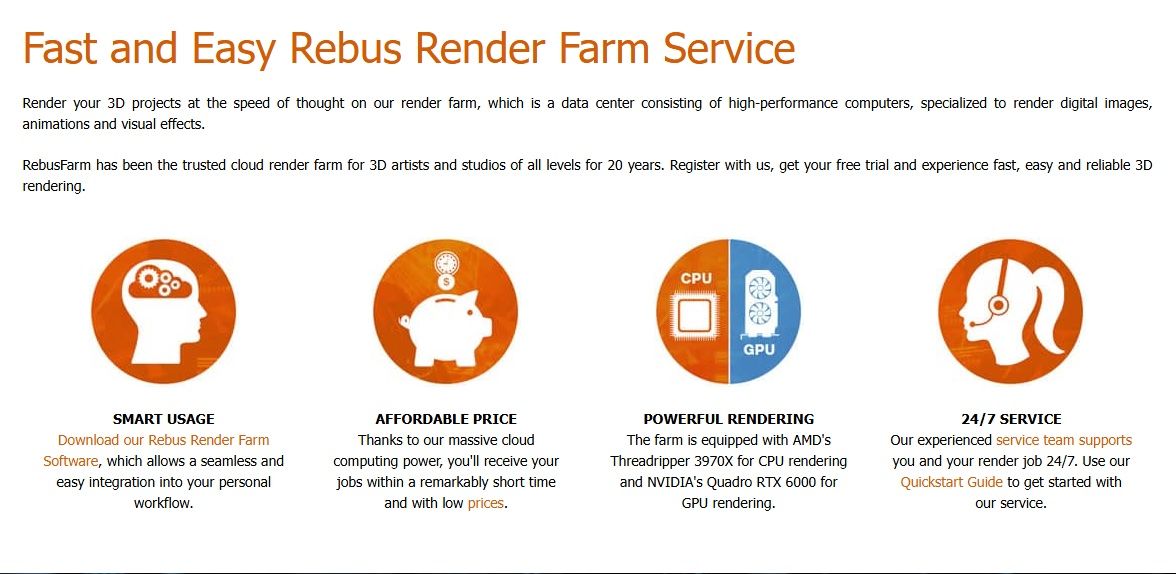
Servers across the globe and powerful hardware. RebusFarm is built for large studios with a global workforce. It offers a seamless rendering process for large projects that need stability.
Website:
Notable Strengths
- A global network of servers keeps a fast data flow for international teams.
- Enterprise-grade equipment for creators with robust tasks.
- Stable service keeps each process going safely.
Potential Limitations
- Prices are well above the market average, which goes with the quality and the level of service.
Pricing Notes
- Available Referral program and free starter credits.
The After Effects cloud rendering providers we depicted in this article are just some of the most convenient options on the market. However, the features and limitations we pointed out should serve as a guideline for your own research. In addition, the benefits of using Nexrender as an alternative should be on your mind when dealing with bulk video generation.