How to Send Personalized B2B Videos at Scale
Today’s video creators are at a crossroads. Human-recorded videos provide the greatest sense of authenticity. They are the most reliable for building trust in B2B communications. However, they require a lot of time to prepare, record, and personalize. On the other hand, AI-generated videos are the easiest to scale because they produce thousands of personalized videos. AI changes text, language, and messages quickly. It’s also good for initial outreach or follow-up reminder messages.
Therefore, a hybrid technique turns out to be the best balance of authenticity and scalability. It involves recording a basic template with a human and AI generation of personalized parts - name, company, and CTA. This approach brings greater openness and responses to messages and emails, better engagement, and higher meeting and conversion rates.
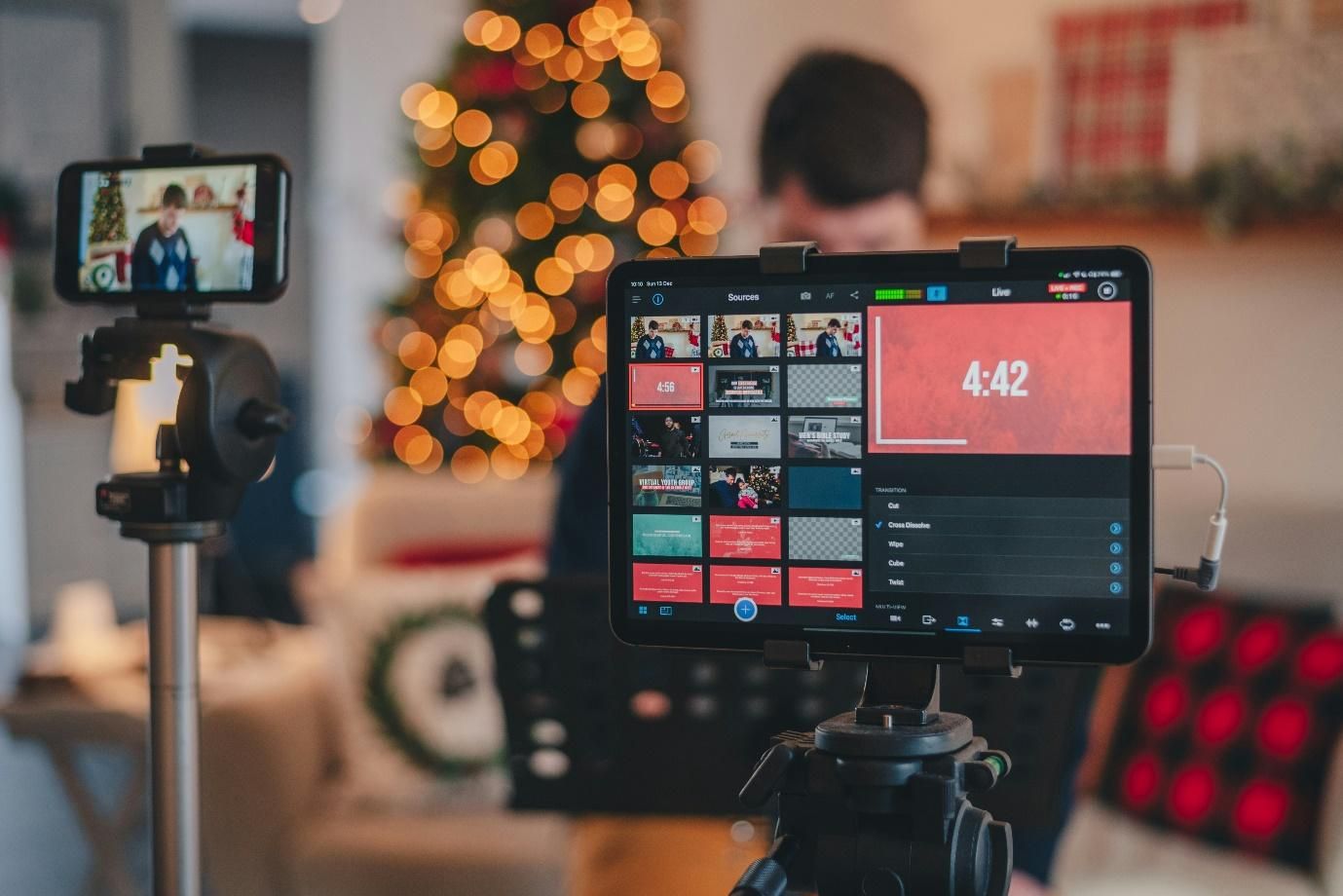
With Nexrender, you can scale personalized videos for hundreds and thousands of contacts.
Where personalized video fits in the B2B funnel
Personalized video fits into all stages of the B2B funnel. At the top, it helps increase response in outbound prospecting, cold emails, LinkedIn messages, and ads. In the middle of the funnel, it supports demo follow-ups, offers, and stakeholder alignment. At the bottom, it facilitates procurement processes, security checks, and the implementation of mutual action plans. Further, after the sale, it improves onboarding, feature usage, renewal, and upsells, while in ABM programs, it provides scalar personalization for 1:1, 1: few, and 1: many.
The 8-step scalable workflow (from idea to inbox)
1. Select your stack
Choose one or a combination of methods that would align with the scope and the mission of your campaign. These can include:
- Webcam/Screen + Editor: Record yourself or a screencast while describing product features or how to use it. This method is ideal for quickly creating personalized videos for small lists of leads.
- After Effects Templates + Nexrender: Use ready-made templates and automate the rendering process to create thousands of personalized videos without manual editing. This approach is most useful for large campaigns.
- AI generators create videos based on the text, recipient name, and other data you provide. Although it saves time with more personalized content, the results seem less authentic.
- Make a landing page that is simple, clean, and appealing. Do keep in mind to make it mobile-friendly, with most users checking their emails and messages on their cell phones.
- Create a personalized page for each video so that every recipient sees their name, company, and other relevant information.
- Add clear CTA buttons. For example: “order now”, “download guide”
- Include a calendar embed so the recipient can schedule an appointment right away, without any extra steps.
Prepare and test all sending channels before the official campaign. Choose the channel based on the target list:
- Email services are great for direct sending and tracking opens and clicks.
- Sales engagement platforms allow for automation, personalized sequences, and response tracking
- LinkedIn DM is good for professional contact and AMB
Ensure that the entire system is connected and that personalization works automatically. Connect all tools so that data is automatically transferred:
- CRM (Salesforce/HubSpot) records activities and responses.
- MAP (Marketo/HubSpot) tracks engagement and sends follow-up campaigns.
- Automation tools (Zapier/Make) connect different systems without manual work.
2. Script templates that scale
Make a template following the framework so that customisation can be brought to each video. For TOFU/MOFU campaigns, video duration is expected to be kept between 30 and 45 seconds. The video should be super dynamic and eye-grabbing.
- Hook: Open by engaging the audience in the first 3 to 5 seconds with a question, a problem, or an interesting statistic.
- Value: Clearly state the value that your product or service brings in a bullet or two.
- Proof: Show evidence in the form of a study, testimonial, or concrete result.
- CTA: Clearly state what you want the recipient to do next - order now.
Define key variations for each target group and funnel stage. However, don’t make too many variations – just enough so that the personalization feels natural and the process remains scalable.
Create different versions of scripts for:
- Persona: C-level, manager, technical specialist – focus on their priorities and language
- Funnel stages: TOFU (general interest), MOFU (detailed value and proofs), BOFU (clear next steps).
Clearly separate static and personalized parts to make the video adaptable for mass sending. This means indicating in the script which parts can be changed by the AI or team and which remain the same.
- Personalized lines include the name of the recipient, company, and current projects. Static lines include the values of the products and services, the CTA, and basic proof.
3. Record at scale
Now we come to the core explanation of how to send personalized b2b videos. First, you need to choose a production method. If you choose human recording, you create the video yourself or with a team. Batch recording means that you record a series of videos in one set, changing only key parts such as the name or company. AI generates the video based on a text script and data from the database.
Setting up recording workflow
In the case of human recording or batch recording
- Prepare the script and template according to the V-H-P-CTA framework.
- Test lighting, sound, and background to make the video look professional.
- With batch recording, make multiple variations at once, including personalized parts
- Organize files and names to easily link to the landing page and email sequences
For AI-generated videos
- Create a video format template with clearly marked, personalized, and static lines
- Associate data with the template – name or company
- Test one or two examples to check the quality and correctness of the personalization before sending at scale.
Try Nexrender to automate After Effects video creation. You'll be surprised how much time you'll save!
4. Edit and assemble automatically
To automatically eliminate manual editing and reduce production time from hours to minutes, use the following options:
- Auto-caption: the system automatically generates subtitles for each video. This process increases viewership, especially when the video is played without sound. It is important to check that names and specific terms are transcribed correctly.
- Jump-cut cleanup: the software automatically removes pauses, errors, and blank parts of speech.
- Sound leveling: automatically equalizes the volume between different parts of the video.
Prepare a graphic template, connect it to CRM fields, and test a few examples before generating them at scale. How? Set up dynamic graphic elements that automatically populate with data from the CRM. Overlays can include: the name of the person on the screen, a company logo, industry tags, and a personalized CTA. The system automatically generates multiple versions of the video without manually changing each dynamic element.
5. QA and brand safety
The system examines whether personalized elements (such as name, company, and offer) correspond to CRM data; if the name is pronounced correctly; and if all highlighted data have been validated.
Next, it checks the tone of the message concerned to be aligned with the brand. This review is also followed by the most critical final approval, stating that the video content does not breach any internal guidelines, regulations, or industry standards.
With Nexrender, you can automatically insert personalized data from your database or CRM into templates.
6. Deliver across channels
Another step on our journey to understanding how to send personalized b2b videos at scale is distribution. Deliver the video through different channels:
- Email with animated thumbnail: insert a short GIF animation (2-3 seconds) that shows the beginning of the video and a personalized element (name, company). In the subject and the first 10 seconds of the video, emphasize the reason for the contact to increase the CTR.
- LinkedIn DM and InMail distribution: a short message of one to two sentences goes into the DM, as well as a link to the personalized video. In InMail, use a preview image of the video, not a GIF, because LinkedIn distributes static visuals better.
- SMS (when compliant with regulations): the content of the message must be short, in the form of one sentence, and a link to the video.
- Slack invitations and messages: for B2B sales teams using Slack, the video can be sent as part of the invitation or DM. Add a short message that explains why you are addressing them and what they get by clicking.
- Embedding on website and within the app: on the landing page, the video is displayed as "Hello, [name]", which increases conversion to demo and trial signups. Within the app, the video is used for onboarding, upselling, or feature-teaching, shown at the moment when the user is active.
7. Track and attribute
- UTM and unique links: Add UTM parameters to each video and use unique links per contact to know exactly who watched and where the traffic is coming from.
- CRM connection: Import each video with a campaign into CRM and sync open, view, and click data directly to the contact card.
- Measure viewing metrics: Track play rate, time watched, and completion rate to see how effective the video is and where it is losing viewers.
- Engagement and conversion metrics: CTR, number of responses, and number of appointments measure the video impact on the pipeline.
- Quick optimization: compare results by segment and adjust scripts, thumbnails, and CTA based on performance.
FAQs
Do I need a big team to create personalized videos at scale?
No, most of the process can be automated with AI generators and template systems. Nexrender allows the same video template to be generated in a large number of versions without manual editing. Small teams can produce thousands of videos per month with a good workflow.
How do I track performance when sending thousands of videos?
Use unique links and UTM parameters for each campaign. Connect everything to your CRM to drive video engagement directly into contact cards. Track key metrics like play rate, watch time, CTR, and appointment bookings.
Is sending personalized videos at scale secure for B2B use?
Yes, if the platform has encryption, access control, and compliance with standards like CSO 2 and GDPR. Most B2B video platforms today offer enterprise-level protection.