Self-Hosted vs Cloud-Based Video Rendering
Video rendering is the process of generating a final video file from various input elements, such as graphics, animation, sound, and dynamic data. It is the final stage of production in which all layers of a composition from a template are transformed into a single video in MP4, MOV, and similar formats. In the context of personalized videos, rendering involves automatically replacing variable data (user name, price, date, location) within a pre-designed template. Rendering can be local (on your own server or workstation) or distributed across a network of servers in the cloud.
There are two approaches: self-hosted vs cloud-based rendering.
Professional tip:
Try Nexrender Cloud and scale your After Effects rendering without managing your own infrastructure!
Self-Hosted and Cloud-Based Video Rendering Comparison
Self-hosted video rendering is a model in which a company owns and operates its own infrastructure, including physical servers and data centers, to create video content. The video generation process in cloud-based video rendering uses the cloud infrastructure providers have established.
The self-hosted model delivers total control with its flexible system, which enables continuous savings through high-volume rendering. The cloud-based model gives users flexible development options, which enable quick system deployment and its capacity to grow without requiring high upfront costs.
Self-hosting lets users control their entire system, giving them full authority to manage both performance and security. Cloud platforms provide worldwide infrastructure and security-certified systems, but users must rely on their service providers for operational requirements and security policies.
The choice of option depends on the specific needs of various organizations, as cloud-based rendering provides greater value to startups and growth companies through affordable upfront costs, faster deployment, and the ability to scale without additional infrastructure. The self-hosting and hybrid rendering options provide large organizations and entities that produce consistent high-volume rendering needs with better security and control options, which help them reduce costs throughout the entire workflow.
Professional tip:
Run your own After Effects cloud rendering with Nexrender and automate your video production today!
Self-Hosted Video Rendering & Processing Tools
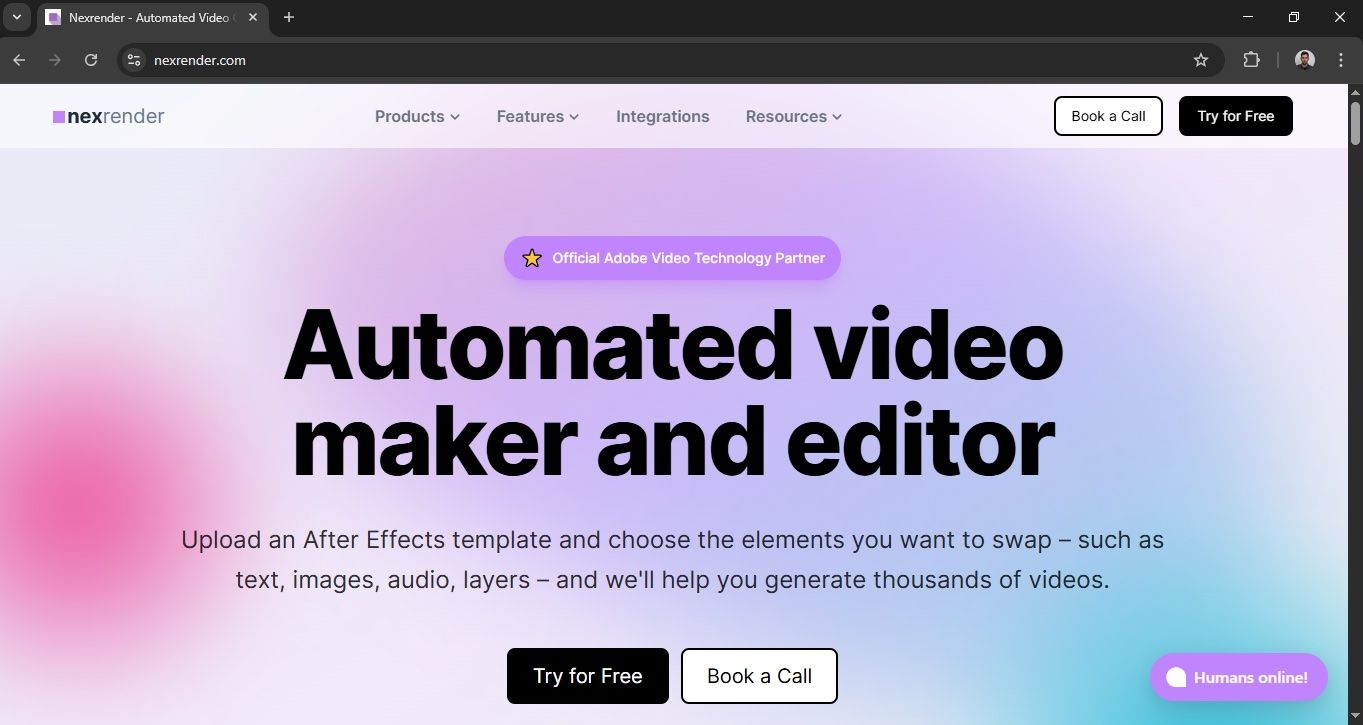
Nexrender
Nexender is an open-source tool, so you can use it without a subscription. It is software for distributed rendering of Adobe After Effects projects using Node.js and an API infrastructure. It enables automated replacement of dynamic data in AE templates and renders on local machines or cloud instances. It is often used as a render engine in personalized video systems because it allows for full control over the pipeline.
It is best suited for teams that already work in an After Effects environment and want automation without changing their existing creative workflow. It is ideal for medium- to large-sized systems that require scalability and integration with CRM or marketing automation platforms.
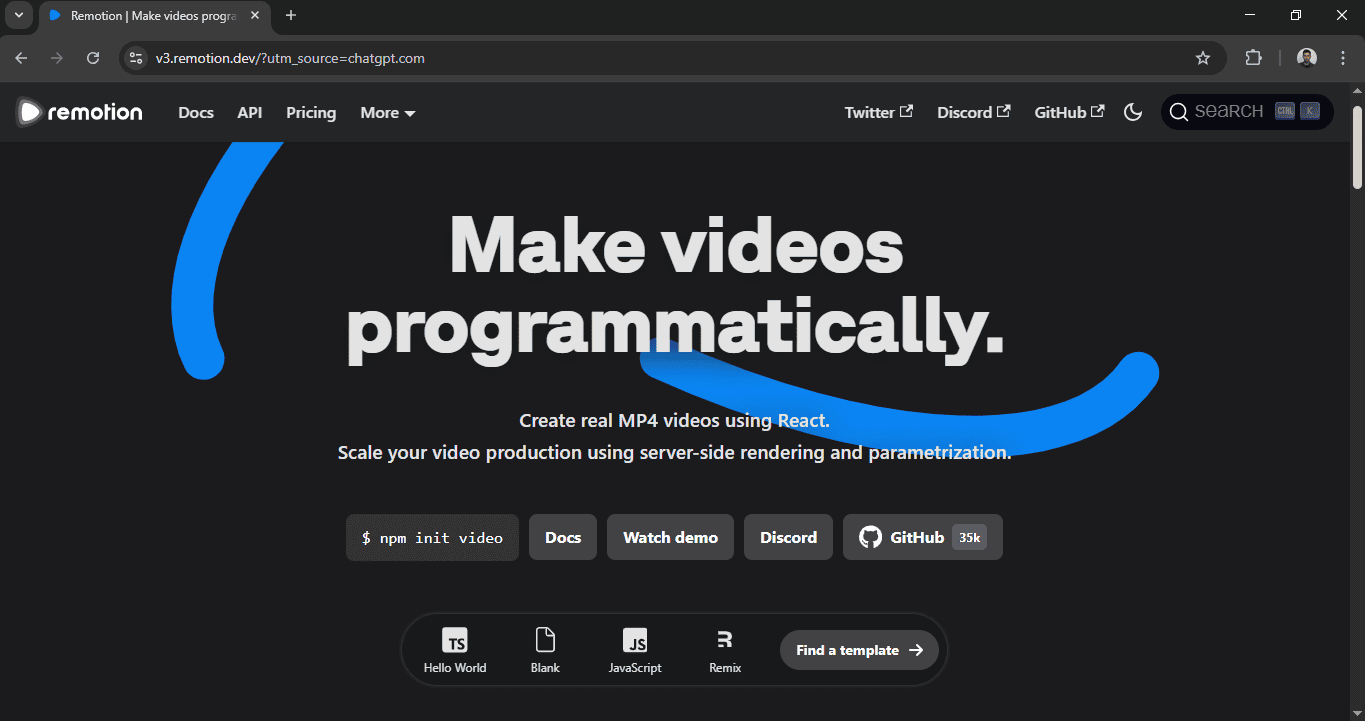
Remotion
is a video creation framework built with React and JavaScript that generates video compositions as code. The system enables programmatic animation and data control, making it well-suited for creating customized dynamic content.
It is best for development teams already working in the JavaScript/React ecosystem. It is suitable for applications that require complex logic and dynamic personalization. It is ideal for SaaS platforms that want complete control over video generation through code.
Free open-source license for basic use; Company License - about $100 / month minimum for commercial teams; Cloud renderingseat - about $10 / month per instance (with a minimum of ~$100 / month); Enterprise - customized (from ~$500 / month and up, by agreement).
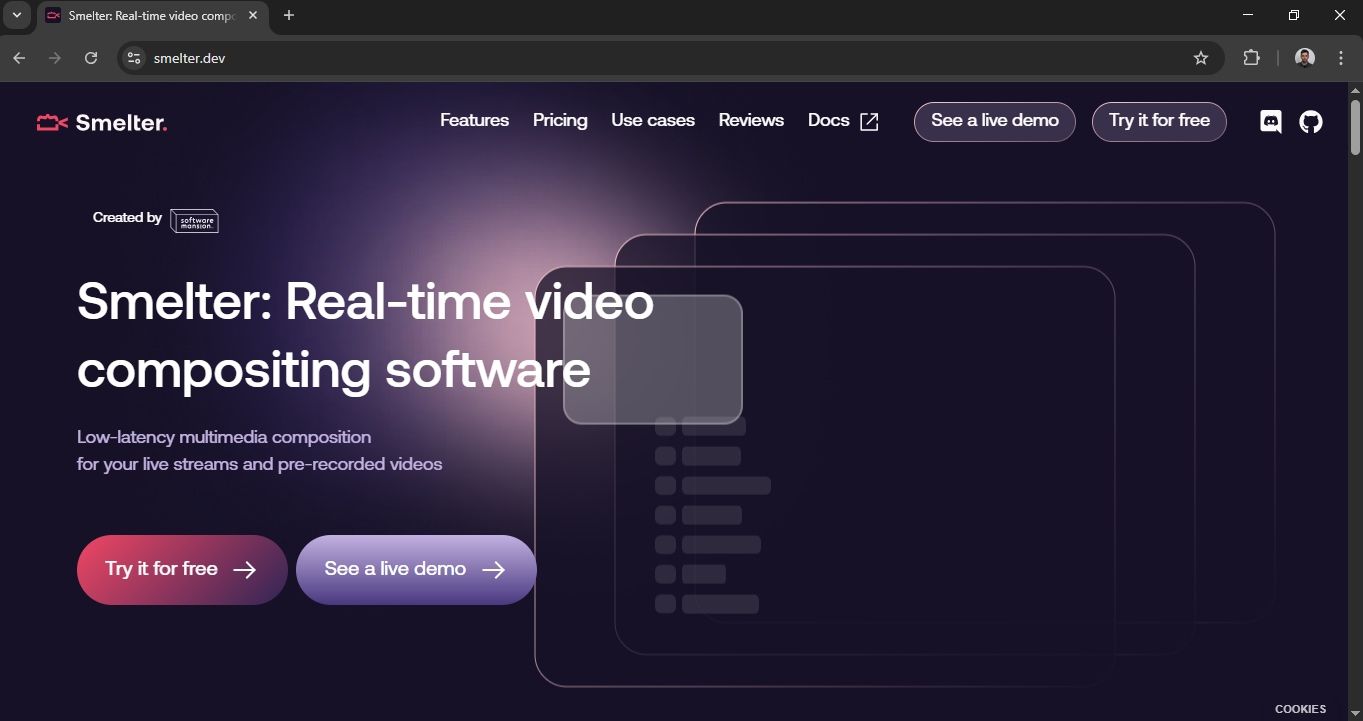
Smelter
is a real-time video rendering engine focused on live and dynamically generated content. It enables rendering of graphics, subtitles, and data in real-time, often in the context of live streaming and interactive applications. It is designed for high performance and low latency.
It is best suited for platforms that work with live video content and real-time personalization. It is useful for streaming services and sports broadcasts. It is ideal for all-glass scenarios, where speed is more important than complex post-production. It offers a free tier for development and prototypes, and enterprise contracts upon request.
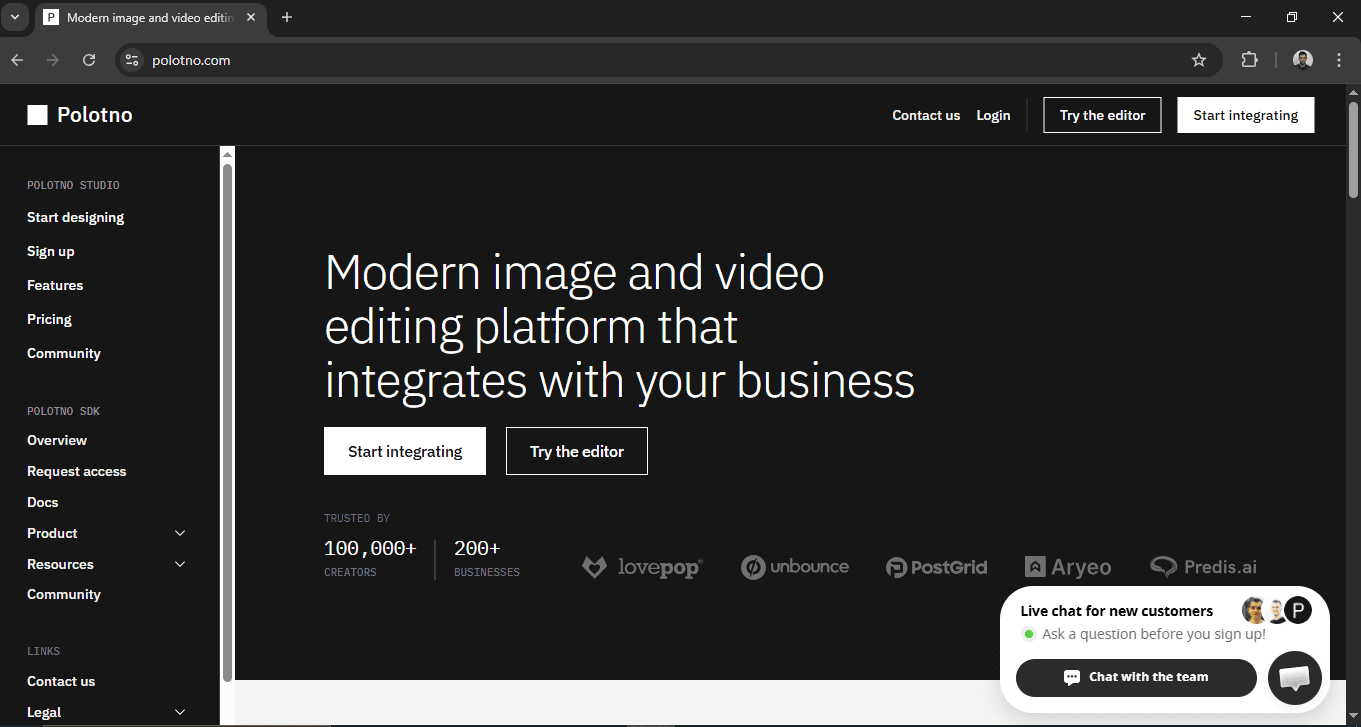
Polotno SDK
is a JavaScript tool for creating design editors within a web application, with a focus on generating visual content such as graphics and simple video compositions. It allows users to edit templates through a browser interface.
It is best suited for companies that want to offer end users the ability to independently create or customize visuals. It is good for marketing platforms and branding tools. It is ideal for web-based products that are looking for a flexible editor without developing from scratch.
Polotno SDK has self-serve plans that include self-hosted rendering: Team: $199/month or $1,990/year; Business: $399/month or $3,990/year; Enterprise: customized, by agreement.
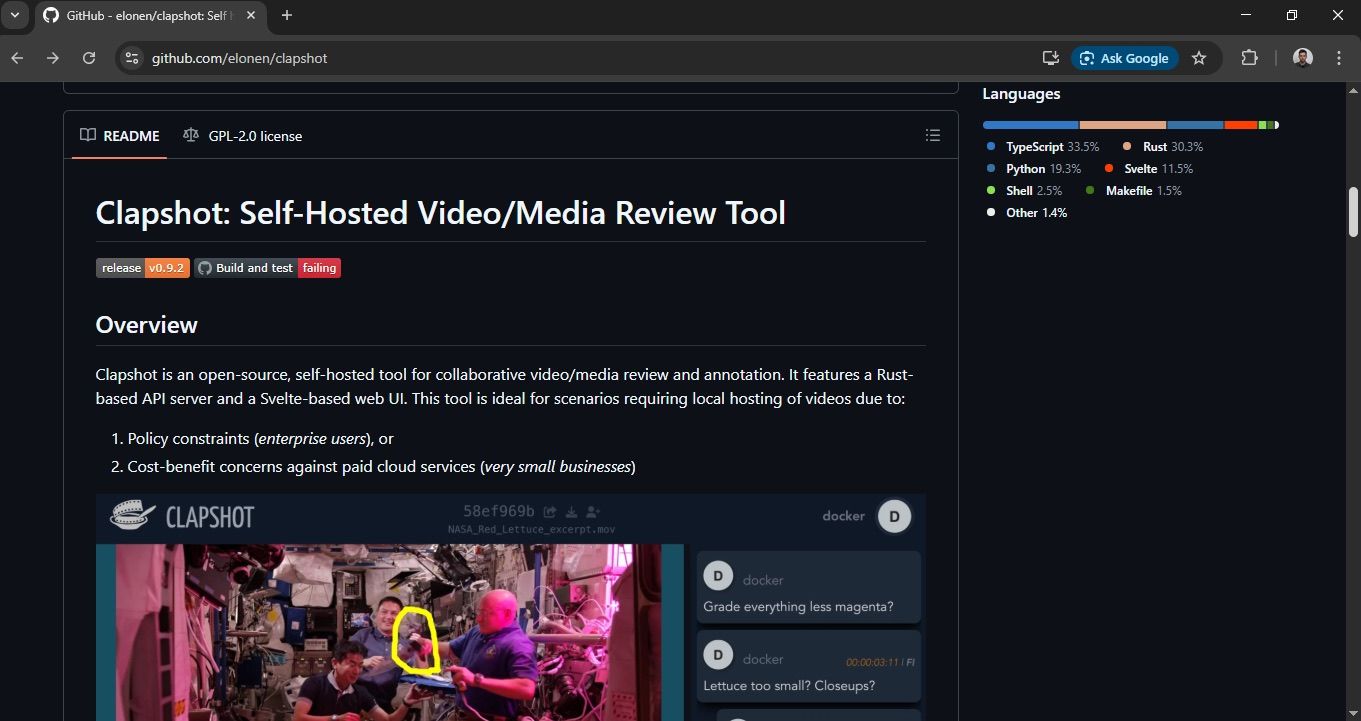
Clapshot
It is a video creation framework built with React and JavaScript that generates video compositions as code. The system enables programmatic animation and data control, making it well-suited for creating customized dynamic content.
It is a platform for automated video content creation and management with a focus on scalable production. It allows for video generation through API integrations and a data-driven approach. It is great for marketing teams working with large companies. It is suitable for e-commerce and advertising systems with a need for mass personalization. Ideal for organizations that want a ready-made infrastructure without developing their own rendering system.
Clapshot is a free, open-source video editor with no commercial pricing. You can download it and host your own.
Cloud-Based Video Rendering & Processing Services
Nexrender
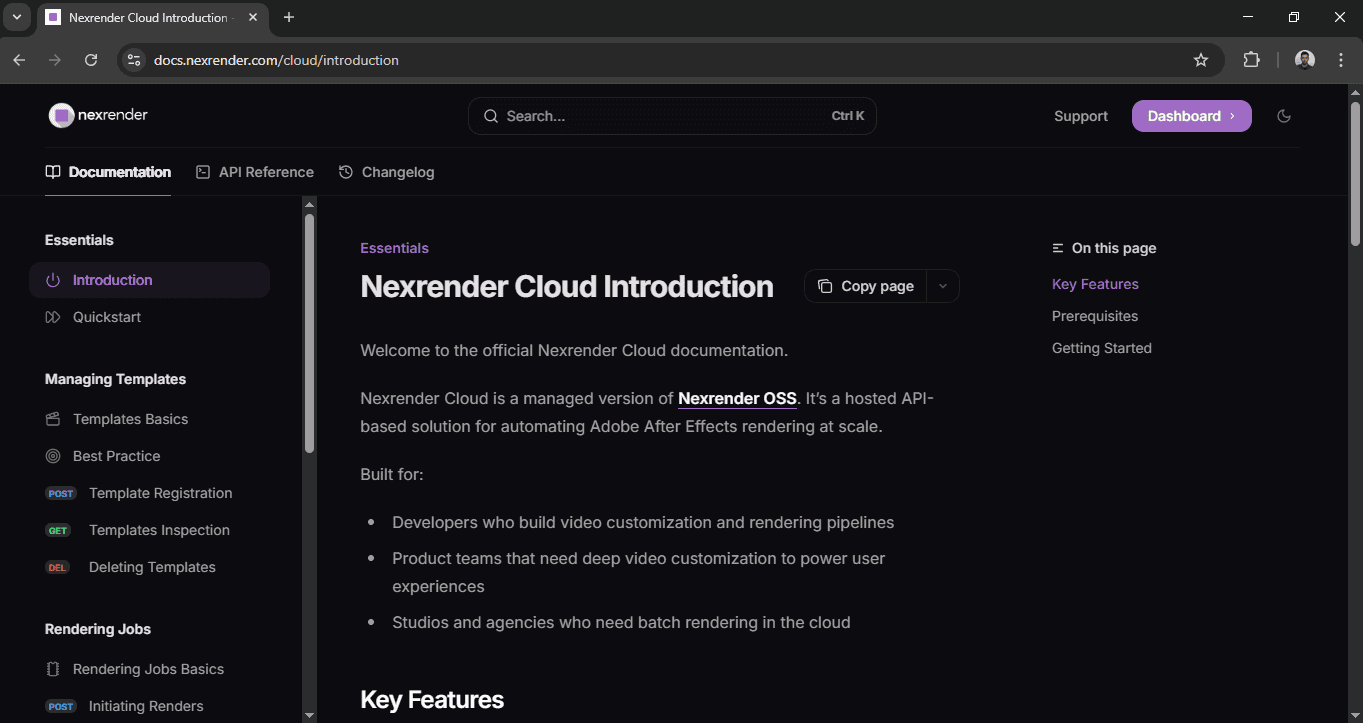
Nexrender Cloud is a managed cloud-render service based on Nexrender's open-source engine that enables automated rendering of AE templates via a REST API in the cloud. It allows uploading of AE .aep, .mogrt, and zip files, dynamic data replacement, and scaling of render jobs without its own infrastructure.
Studios, agencies, and product teams that want automated and scalable rendering of visually rich After Effects videos without maintaining their own servers should use Nexrender. Pricing is typically negotiated through enterprise contracts, with payments based on the number of render jobs and the resources used.
YuJa Lumina Video Platform
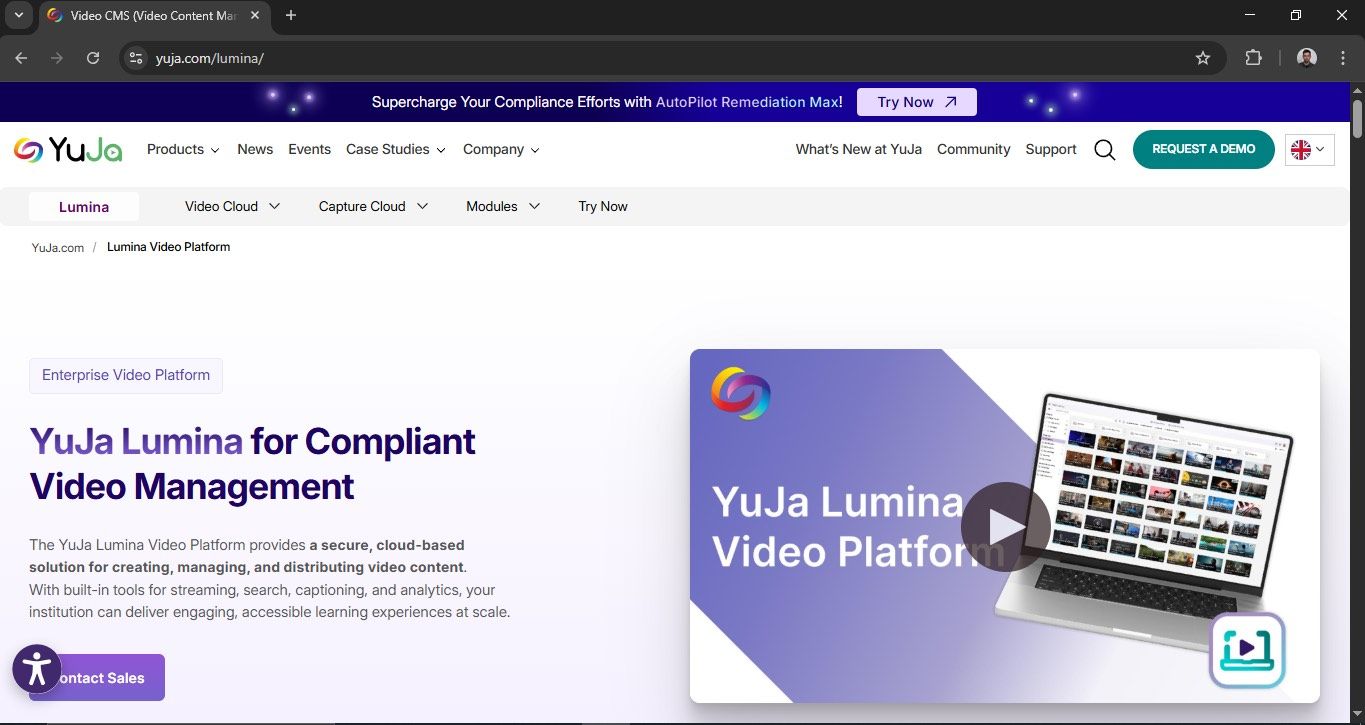
is a video creation framework built with React and JavaScript that generates video compositions as code. The system enables programmatic animation and data control, making it well-suited for creating customized dynamic content.
It is a cloud video editing platform with end-to-end tools for uploading, organizing, automatic transcoding, interactive features, and global adaptive streaming. The focus is on an enterprise video CMS that provides cloud rendering and video distribution without requiring on-premises server infrastructure.
It is well-suited for educational institutions and large brands seeking a comprehensive video solution, from hosting and analytics to live streaming. Enterprise pricing with the possibility of long-term pricing agreements and SLAs according to customer needs.
Qencode
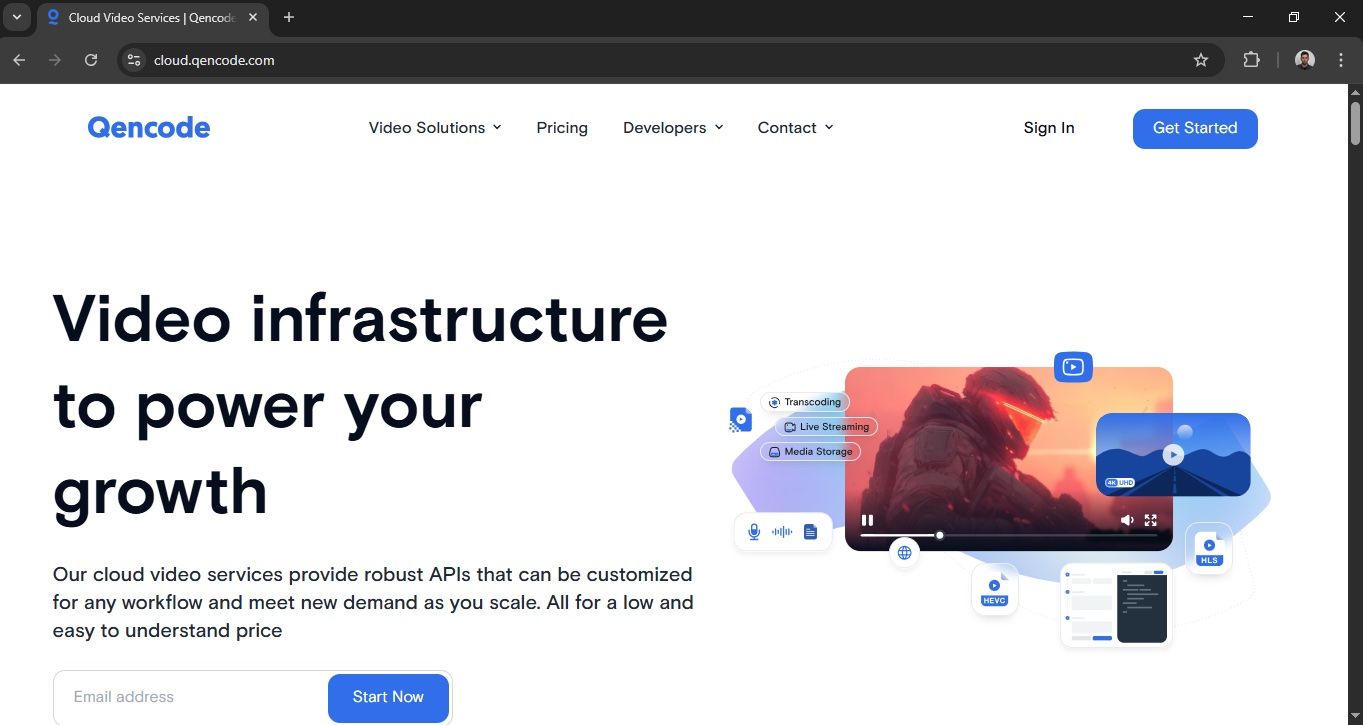
provides a cloud-based video transcoding service that transforms video files into multiple output formats, resolution options, and codec selections through its API. The system enables adaptive bitrate transcoding and live transcoding along with content repackaging and integrated thumbnail, GIF, and subtitle creation functions, which operate through its cloud-based system.
Great for development teams, SAS, and applications that need a scalable transcoding solution without their own rendering infrastructure.
500 free credits per month on the free plan; Transcoding output from ~$0.005 per output minute for SD and higher prices for HD/AV1 encoding; Live transcoding ~ $0.01/ output minute, storage ~ $0.006/GB, CDN delivery ~ $0.017/GB; Volume discounts for budgets over ~$1000/month.
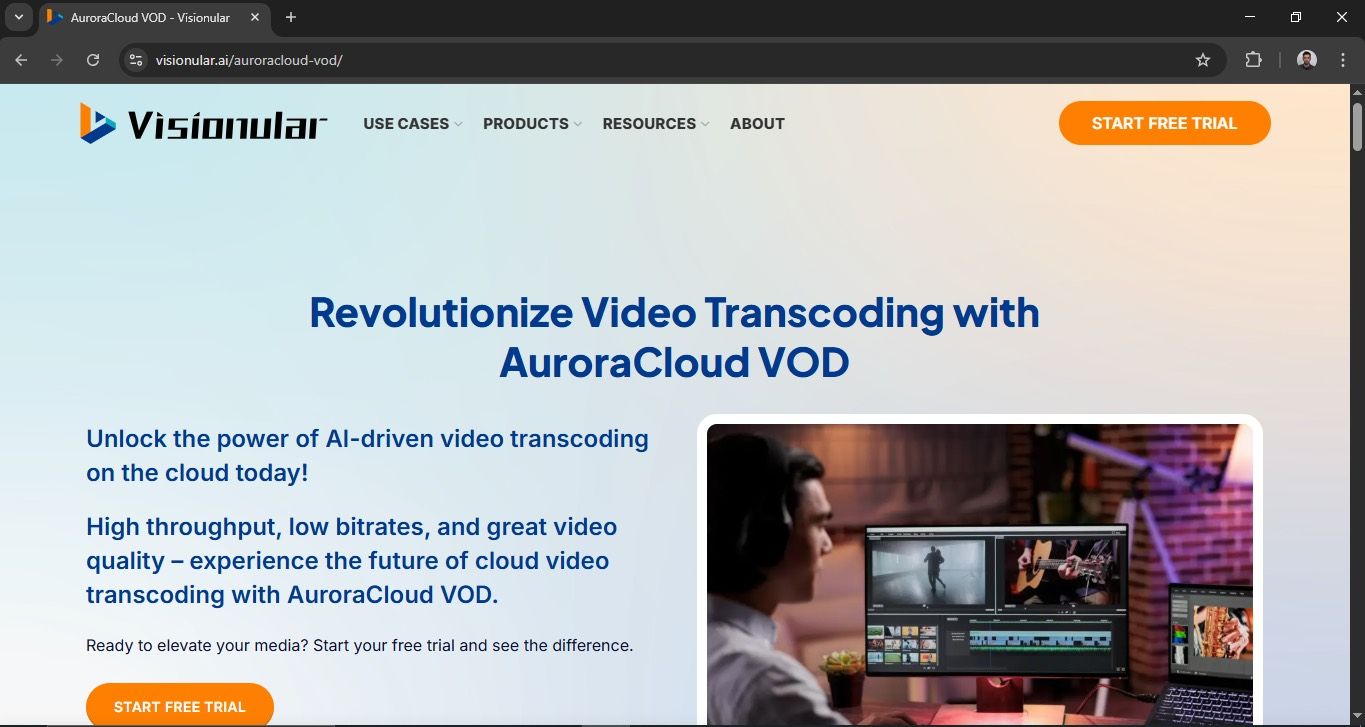
Visionular AuroraCloud
is an AI-powered cloud transcoding and video processing platform that uses integrated encoders (H.264, H.265, AV1) for high-quality compression and lossless file size reduction. The system enables users to perform live and VOD and RTC transcoding while they can also use multiple audio tracks and subtitles and watermarks and webhook notifications.
It is great for companies that need a high-quality, scalable transcoding infrastructure with AI optimization. Suitable for VOD platforms, streaming services, and enterprise workflows with a large number of video files.
They offer a 10-day free trial without a card. Prices are based on output minutes per resolution and are negotiated directly with the provider.
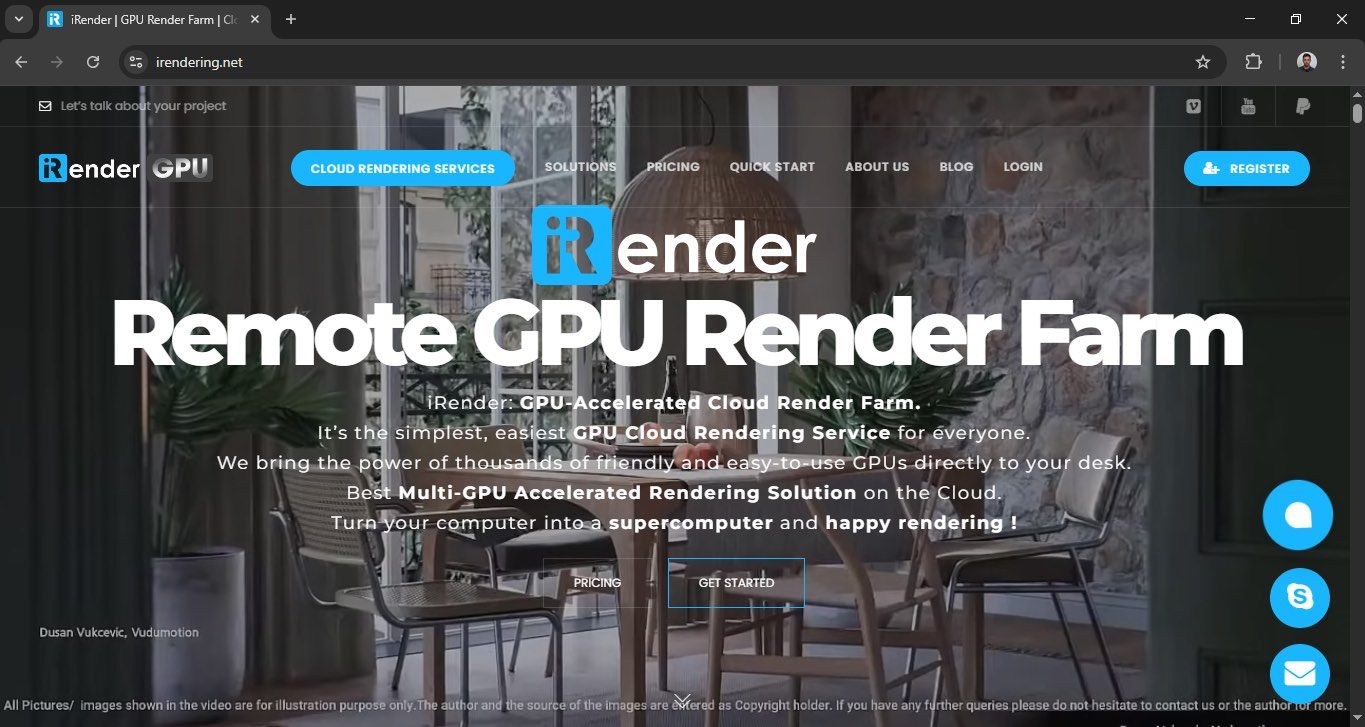
iRender GPU Cloud Render Farm
is a service that allows you to rent GPU servers (with RTX 4090 or RTX 3090 cards) for rendering 3D scenes and animations directly in the cloud. Using the IaaS model, users get access to physical machines via RDP and can install their own rendering software and plug-ins, such as Redshirt, Octhane, and Blender.
It is great for 3D artists, studios, and agencies that need immediately available GPU power without investing in their own hardware.
iRender uses a pay-as-you-go model - you pay based on the time the server is used (it is charged per hour of machine operation).
Let’s wrap things up
Self-hosted rendering offers full control over infrastructure, security, and performance, but it requires organizations to invest significant capital, develop technical skills, and conduct an initial capacity assessment. Cloud-based rendering provides organizations with flexible scaling, rapid system deployment, and usage-based pricing, but it also leads to unpredictable expenses and dependence on service providers.
Choosing the optimal model depends on the scope of rendering, regulatory requirements, budget, and internal IT maturity. Startups and growing companies more often choose the cloud, while enterprise systems with stable, large volumes often consider self-hosted or hybrid solutions.